

Planly Budget on a Page
One-Page Monthly Budget · Google Sheets template
A one-page budget for people who hate budgeting. A friendly, single-page monthly budget in Google Sheets with income, expenses and savings at a glance, plus instructions and a filled-in example to learn from.
Take a tour of the sheet
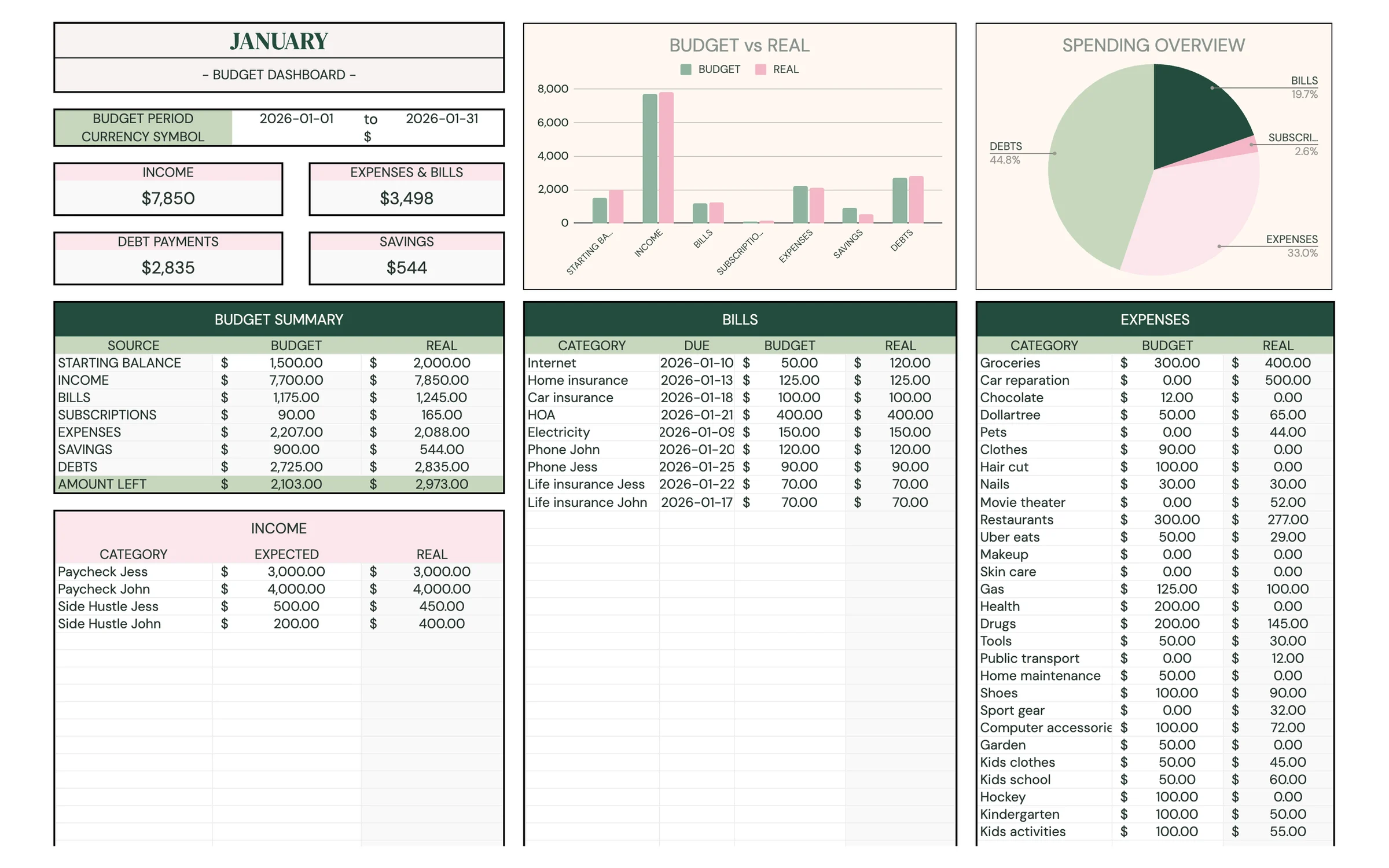
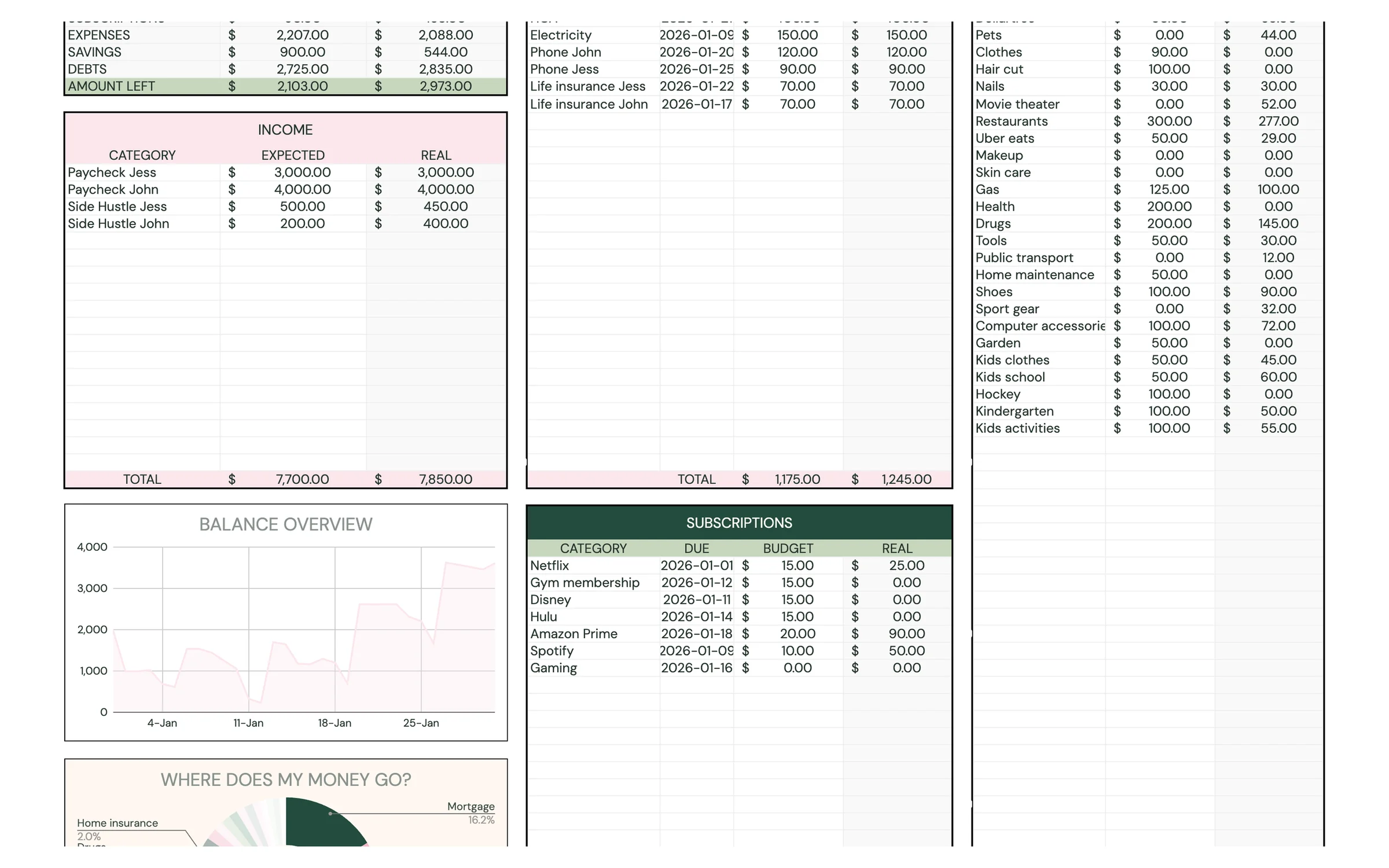
Everything you need
Five-minute setup
One page, clear sections, no complicated formulas to learn.
Visual summary
A simple chart shows where your money goes.
Example included
A filled-in mock budget shows exactly how it works.
Set up in 4 steps
Make your own copy
After purchase, open the PDF from your Etsy downloads and click the template link. Google Sheets asks you to “Make a copy”, and the copy lands in your own Google Drive, private to you.
Read the example
Peek at the MOCK DATA tab to see a finished budget.
Fill in MY BUDGET
Enter the month, your income, then your expenses and savings. Totals and the chart update as you type.
Duplicate for next month
Right-click the tab → Duplicate, rename it, and start fresh each month.
Good to know
What's included in the Planly Budget on a Page?
4 tabs: Instructions, Mock Data, My Budget, Bonus. Everything is pre-built with formulas, so you only fill in your own information.
How do I get the template after buying?
Etsy gives you an instant PDF download with your template link. Open it, click “Make a copy”, and the sheet is saved to your Google Drive.
Does it work on my phone?
Yes! Open your copy in the free Google Sheets app on iPhone, iPad or Android. Setup is easiest on a computer.
Can I reuse it next year?
Yes. Make a new copy and change the year on the setup tab.
Is there a dark mode?
Yes, a Dark Mode edition is included free. It has the same tabs and formulas with a dark background that's easier on the eyes at night. Your download page has a button for each version, and you can keep both.
You might also like
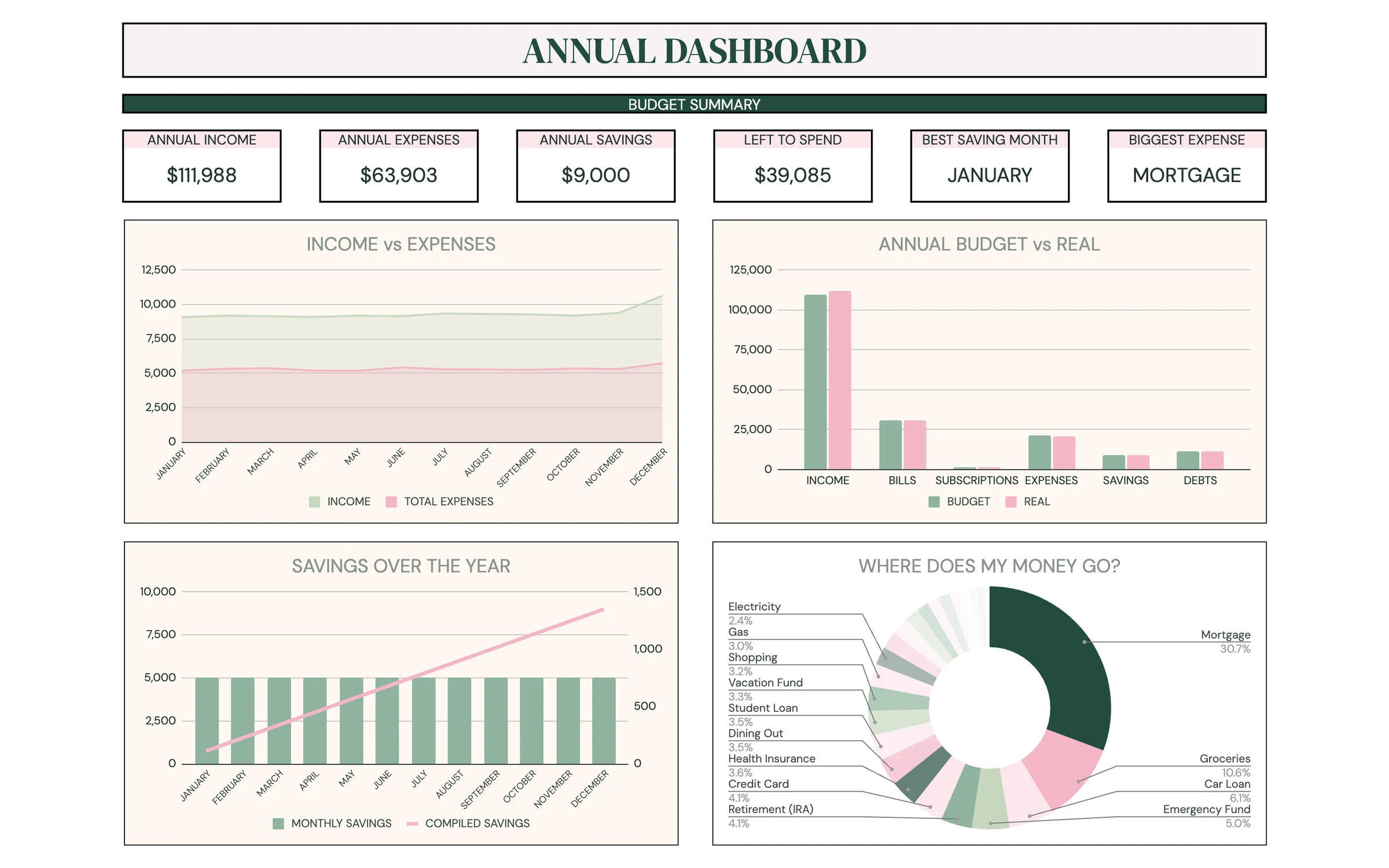
Planly Money Map
Full-Year Budget PlannerYour whole year of money in one place. An all-in-one Google Sheets budget with 12 monthly budgets, an annual dashboard, sinking funds, a debt calculator, net worth and investment trackers, and a savings challenge.
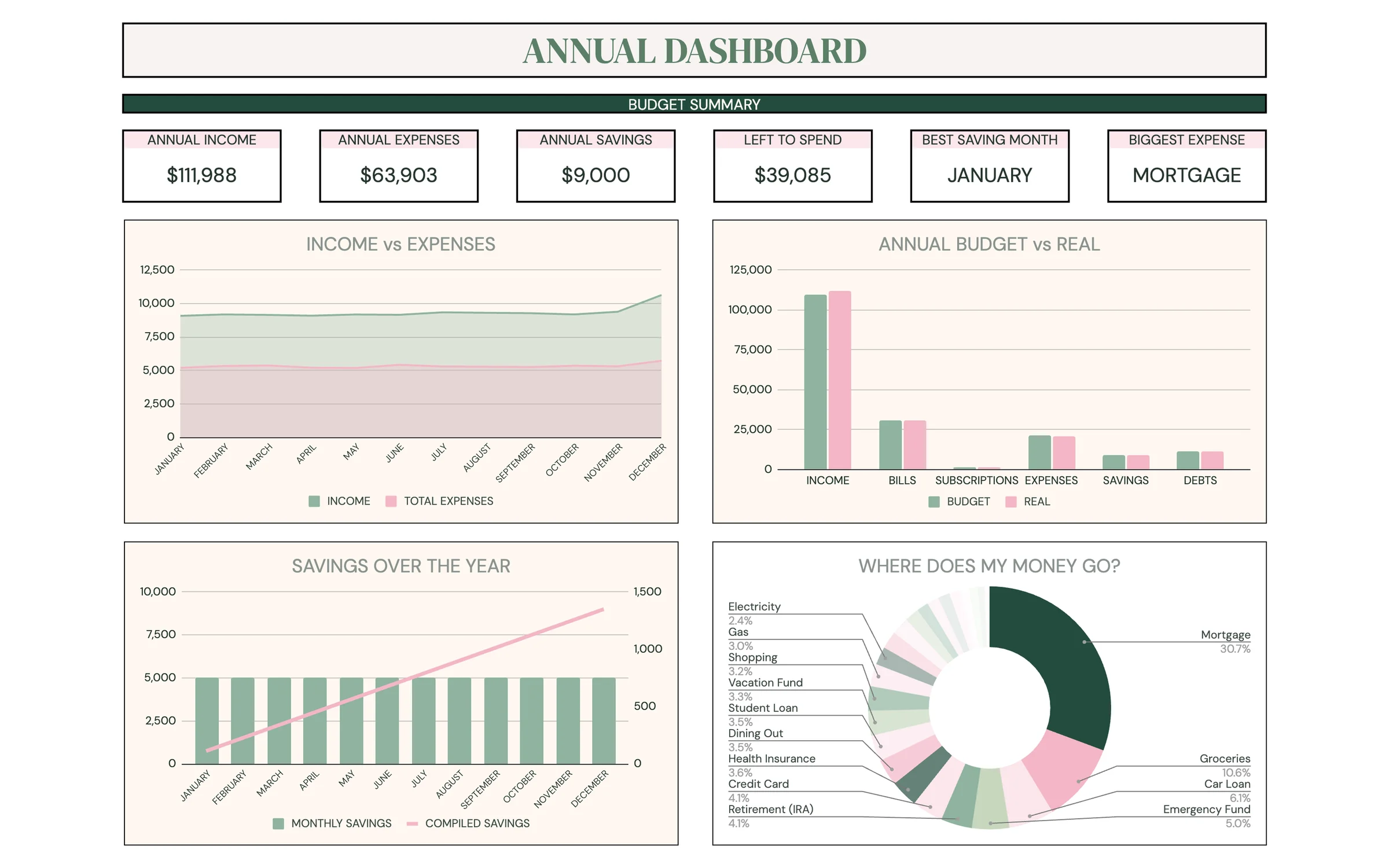
Planly Money Map Plus
Full-Year Budget + 50/30/20The annual budget, now with a 50/30/20 breakdown. Everything in Planly Money Map plus a dedicated 50/30/20 analysis tab, a setup page and a refreshed dashboard. A complete yearly money system in Google Sheets.
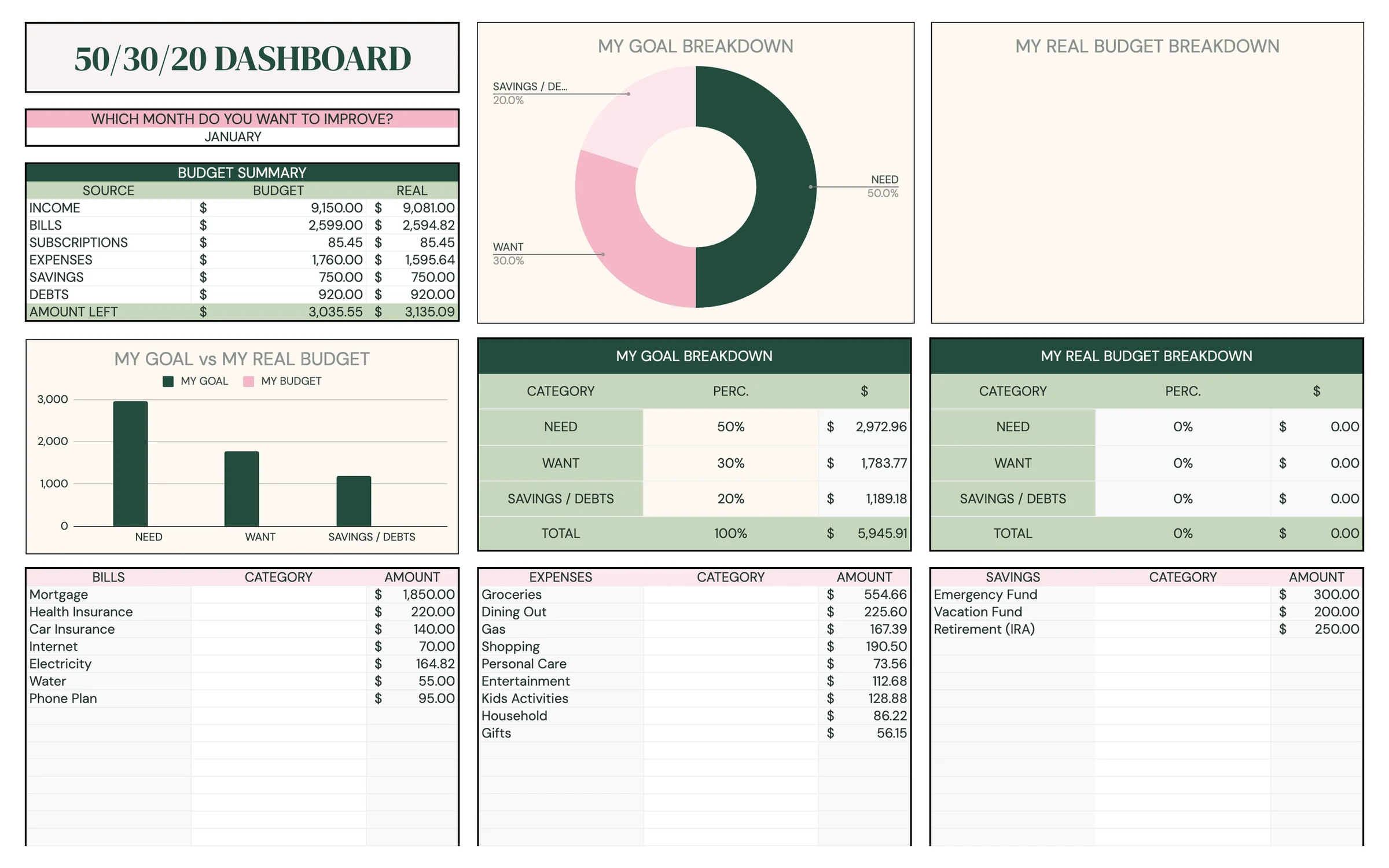
Planly Balance Budget
50/30/20 Budget PlannerNeeds, wants and savings, balanced in one sheet. A yearly Google Sheets budget built around the 50/30/20 rule, with monthly budgets, a 50/30/20 tracker, sinking funds, a debt calculator and a net worth sheet.
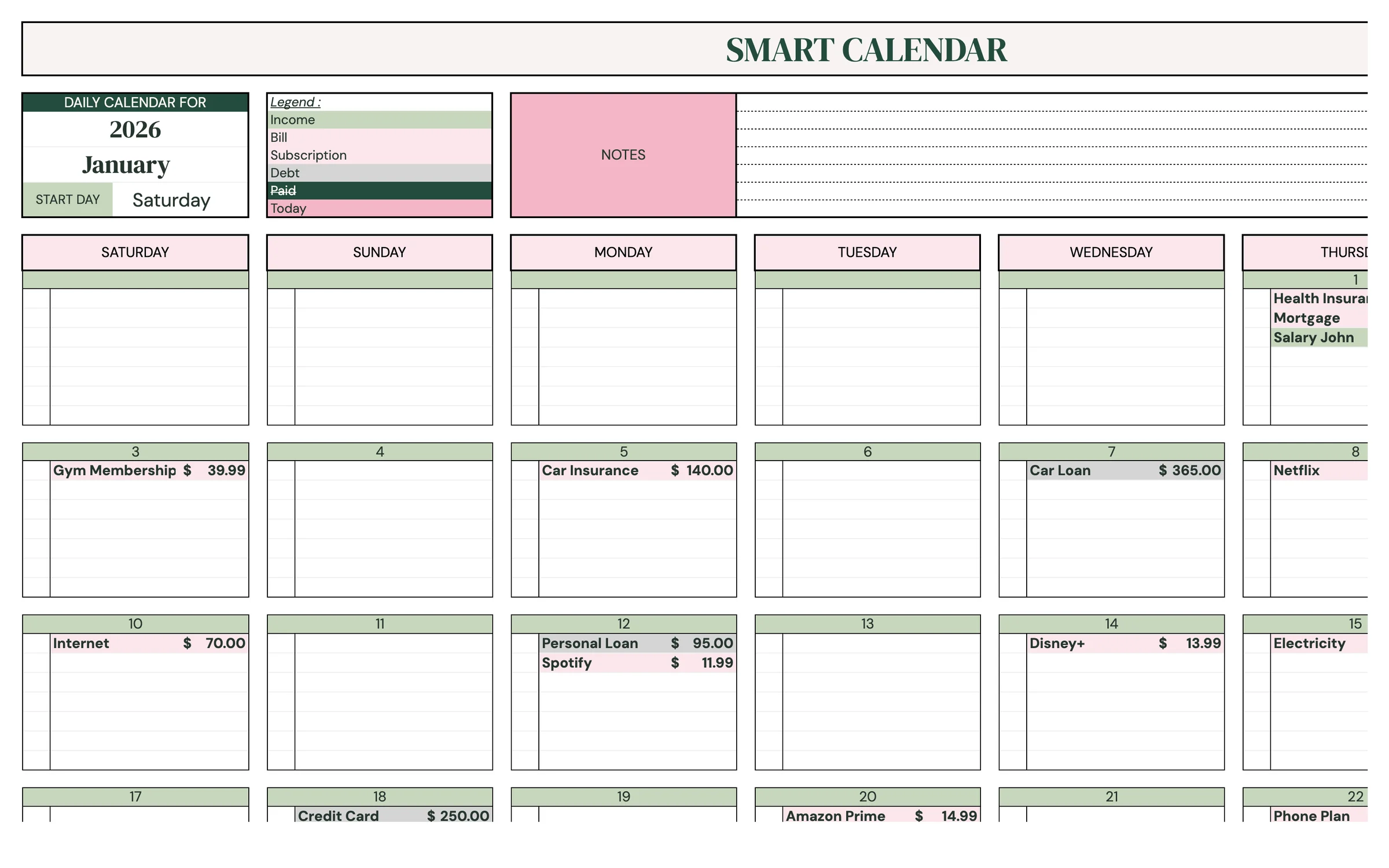
Planly Bill Buddy
Bill Tracker & Due-Date CalendarNever miss a due date again. A Google Sheets bill tracker: list your income, bills, subscriptions and debts once, and every payment for the year appears in a payments list and on a monthly calendar, with paid checkboxes.