5 templates
Complete Budgeting Bundle
Find the budget style that fits you.
$25.99Save 49% vs. $50.95 separately


Enter your take-home pay to see how much goes to needs, wants and savings each month and each year. Change the split if 50/30/20 doesn't fit your life.
Uses take-home pay after tax. Per-paycheck amounts are turned into a monthly figure: weekly × 52 ÷ 12, every 2 weeks × 26 ÷ 12, twice a month × 2. For planning only, not financial advice.
Optional: what you actually spend each month
Add your real monthly totals to see how close you are. Leave a box empty to skip it.
Pick a preset or type your own split. The total turns pink until it adds up to 100%. Your numbers stay on this device.
The rule gives each dollar of take-home pay one of three jobs. On $4,500 a month that's:
High rent or a tight month? 60/20/20 keeps savings at 20% by trimming wants. 70/20/10 is a realistic start when needs take most of your pay.
This calculator gives you the plan. Planly Balance Budget helps you stick to it: tag each category as a need, want or saving, log what you spend, and see your real split next to your goal every month, with sinking funds and a debt calculator built in. Planly Money Map Plus adds a full-year dashboard, net worth and investment tabs, and its own 50/30/20 tab.
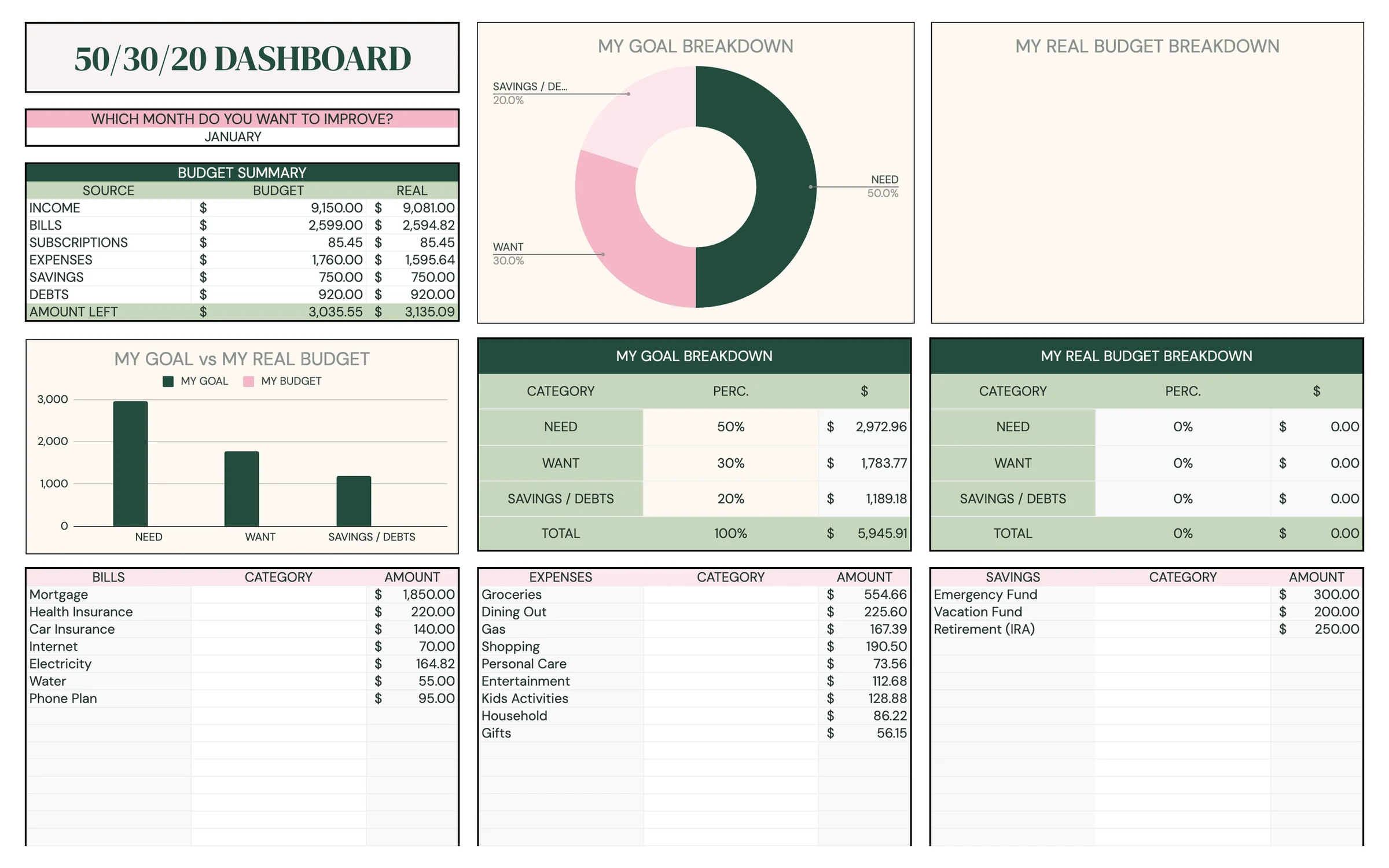
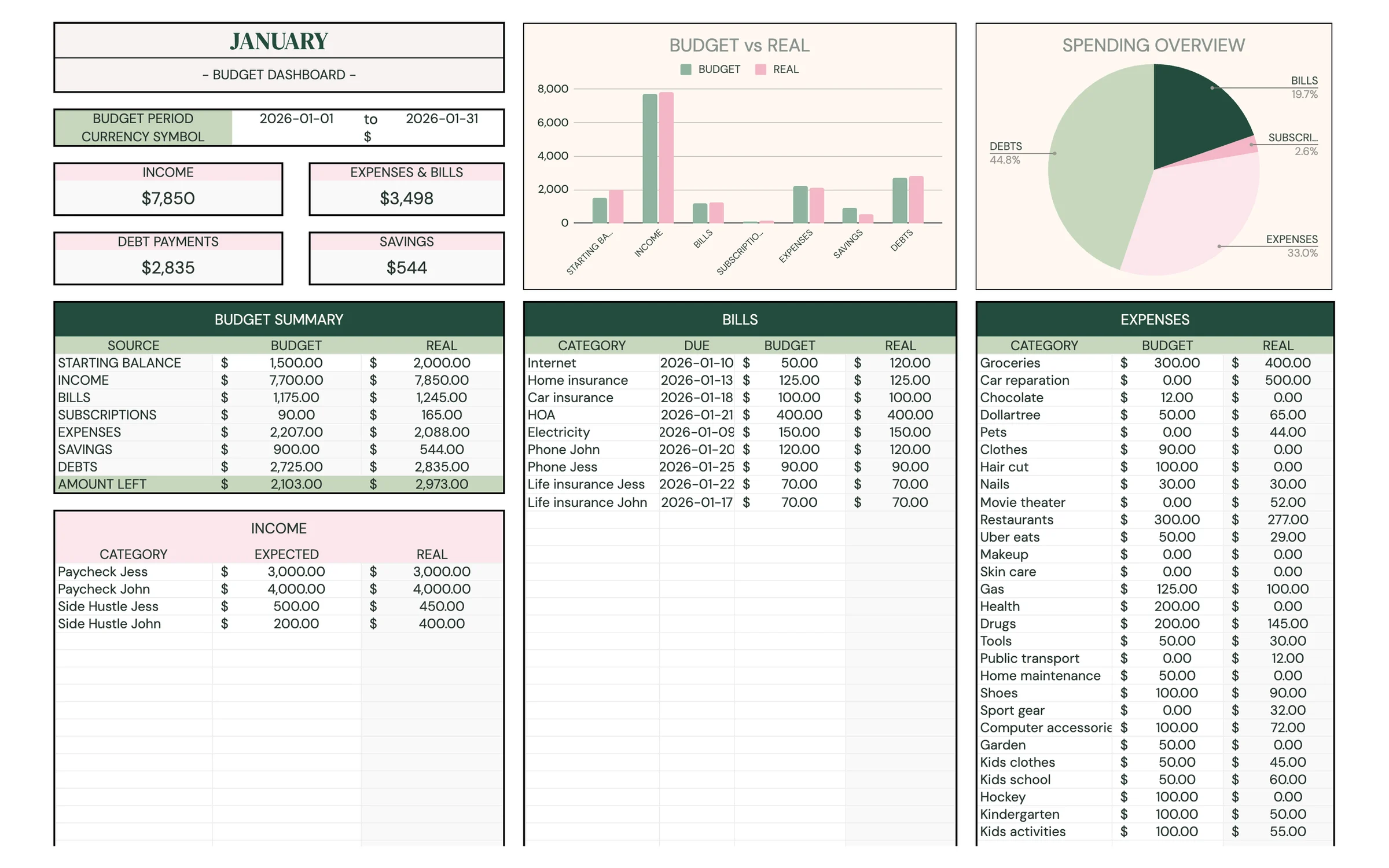
Needs, wants and savings, balanced in one sheet. A yearly Google Sheets budget built around the 50/30/20 rule, with monthly budgets, a 50/30/20 tracker, sinking funds, a debt calculator and a net worth sheet.
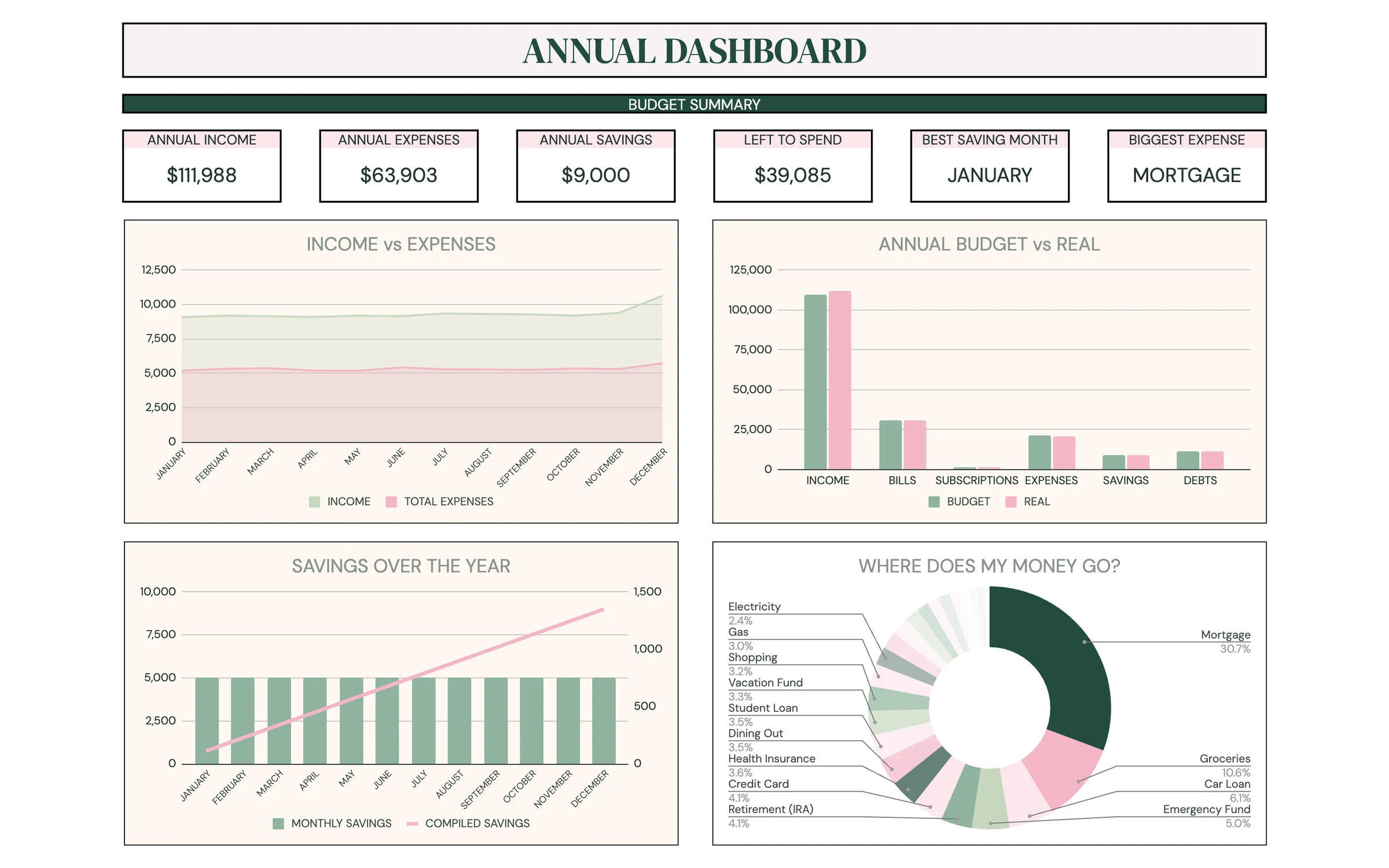
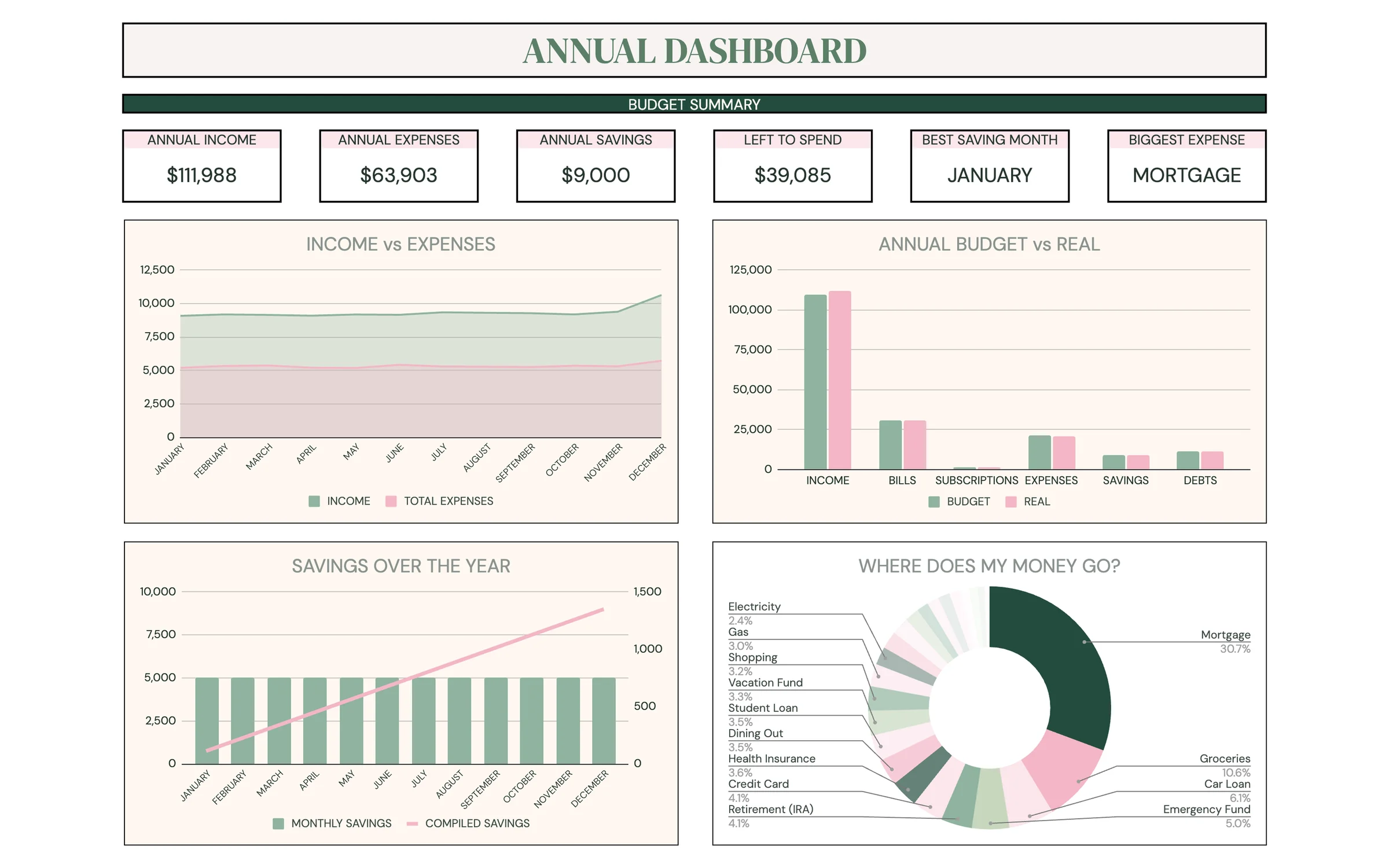
The annual budget, now with a 50/30/20 breakdown. Everything in Planly Money Map plus a dedicated 50/30/20 analysis tab, a setup page and a refreshed dashboard. A complete yearly money system in Google Sheets.
Get every budgeting template and try them all.
Find the budget style that fits you.
It's a simple way to split your take-home pay: 50% for needs (housing, bills, groceries, minimum debt payments), 30% for wants (eating out, hobbies, travel) and 20% for savings and paying off debt faster. The calculator multiplies your monthly pay by each percentage and shows the yearly amount too (monthly × 12).
After tax. Use the amount you actually take home on payday. If money for retirement or health insurance comes out of your paycheck first, you can count it toward savings or needs in your head, but leave it out of the pay you enter.
Weekly pay is multiplied by 52 and divided by 12. Every two weeks is multiplied by 26 and divided by 12, so a $2,000 paycheck becomes about $4,333 a month. Twice a month is multiplied by 2. Yearly pay is divided by 12.
That's common where rent is high. Try the 60/20/20 or 70/20/10 preset, or type your own numbers. The split is a starting point. What matters is that every dollar has a job and savings get something every month.
Minimum payments are needs, because you have to make them. Anything extra you pay to clear a debt sooner goes in savings and debt, since it improves your finances the same way saving does.
Dark green is needs, pink is wants and sage green is savings and debt, in the bar, the table and the example cards. The Total row turns pink when your three percentages don't add up to 100%. In the optional spending check, a pink pill means a problem (over budget on needs or wants, or saving less than planned), a green pill means you're doing better than plan (under budget, or saving extra), and a gray pill means you're right on target. The 'Left after these three' row turns pink if you spend more than you take home.
Only in your own browser on this device, so it's there when you come back. Nothing is sent to us. Press Reset to clear it.