

Planly Merry List
Christmas & Holiday Planner · Google Sheets template
Gifts, budget, cards and menus for a calmer holiday season. A Christmas and holiday planner for Google Sheets: track every gift from idea to wrapped, keep your holiday budget on plan, manage your card list, plan parties and menus with one grocery list, and work through November and December to-dos with due dates that count back from the big day. Change the date and use it every year.
Take a tour of the sheet
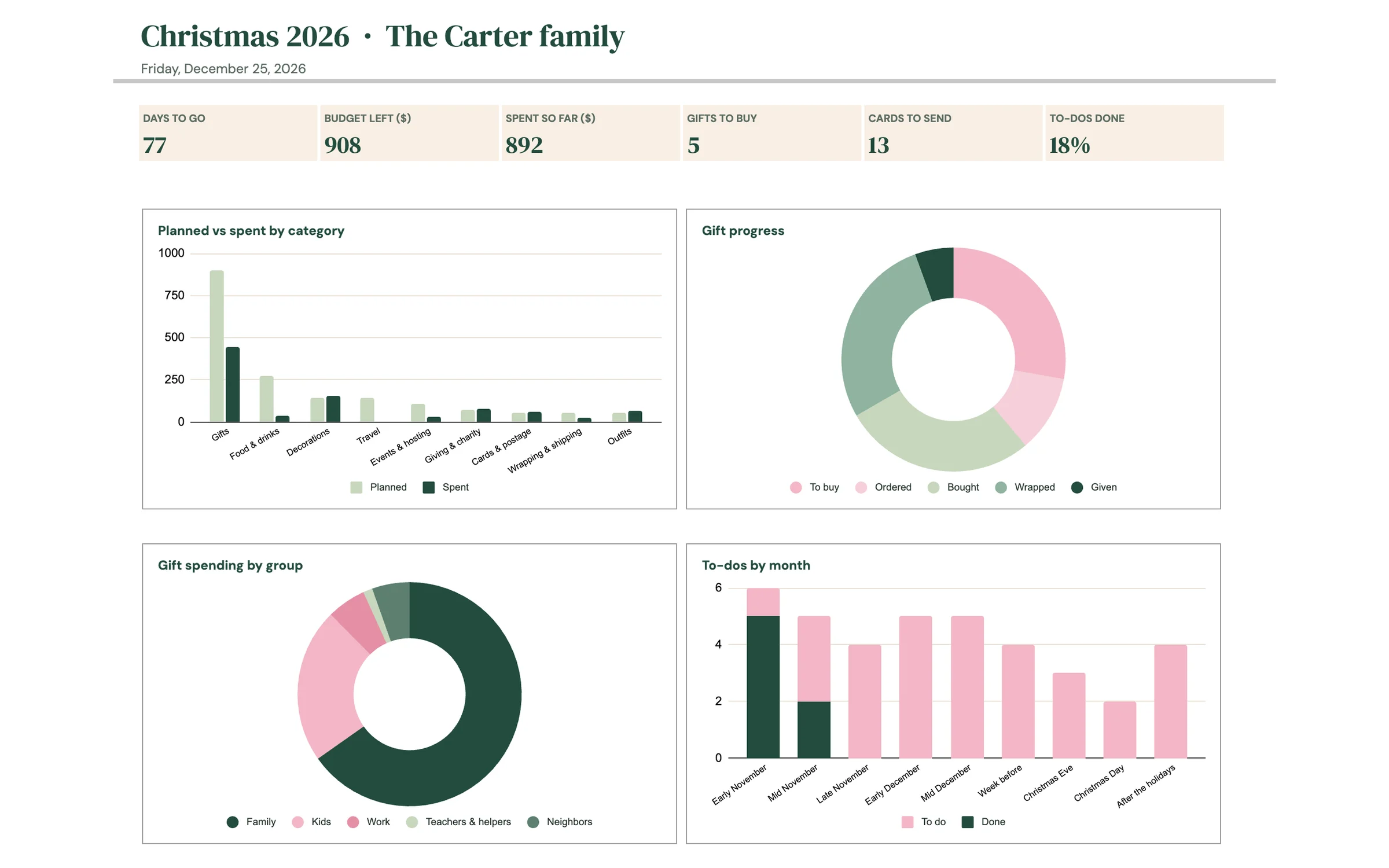
Everything you need
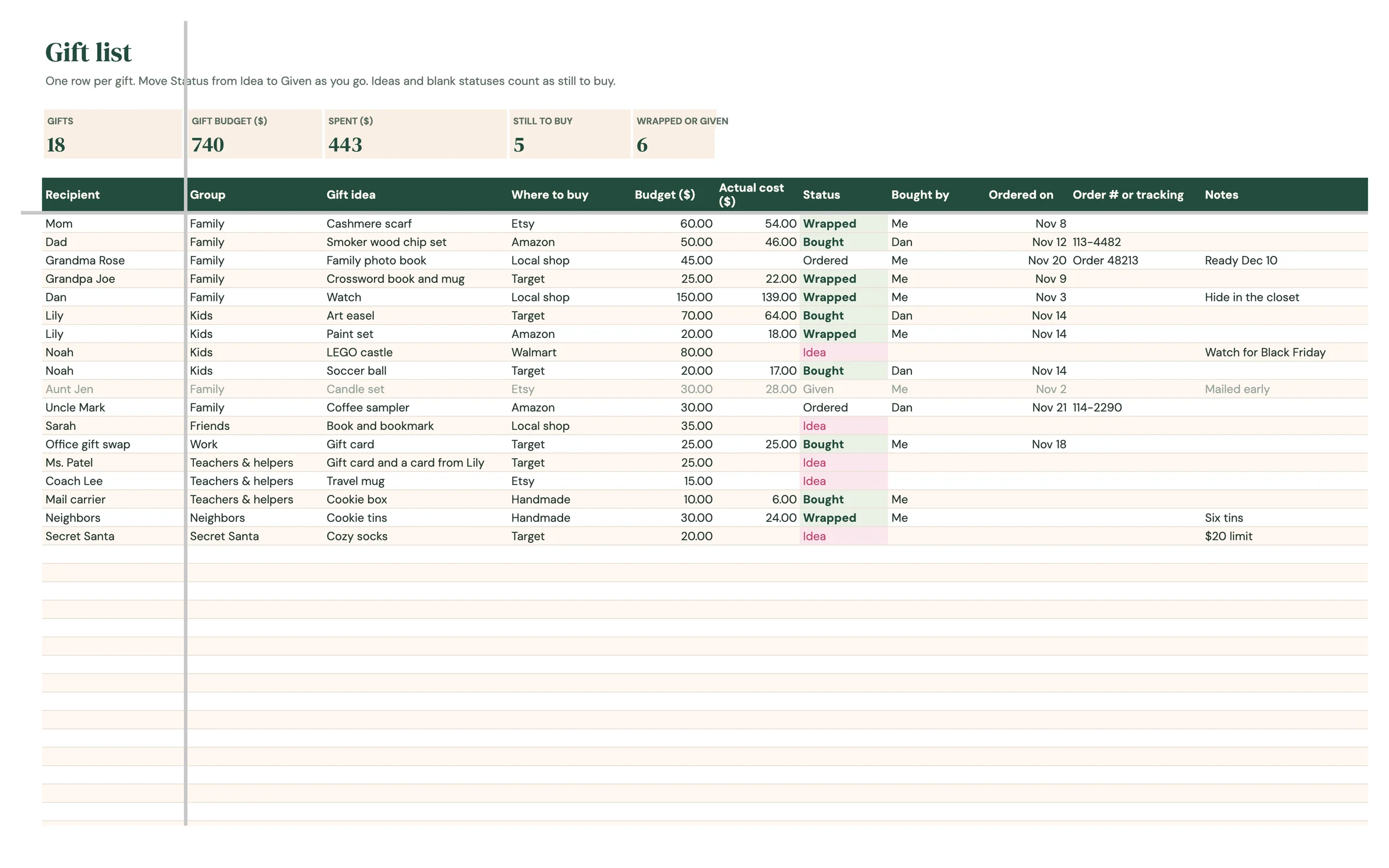
Gift list
Every gift with its budget, actual cost and status from idea to given, plus a total for each person on your list.
Holiday budget
Set one total and split it by category. Gift spending flows in on its own, and anything over plan turns pink.
Cards and events
Your card list with addresses, sent and received, plus every party and dinner with what you're bringing.
Menus and to-dos
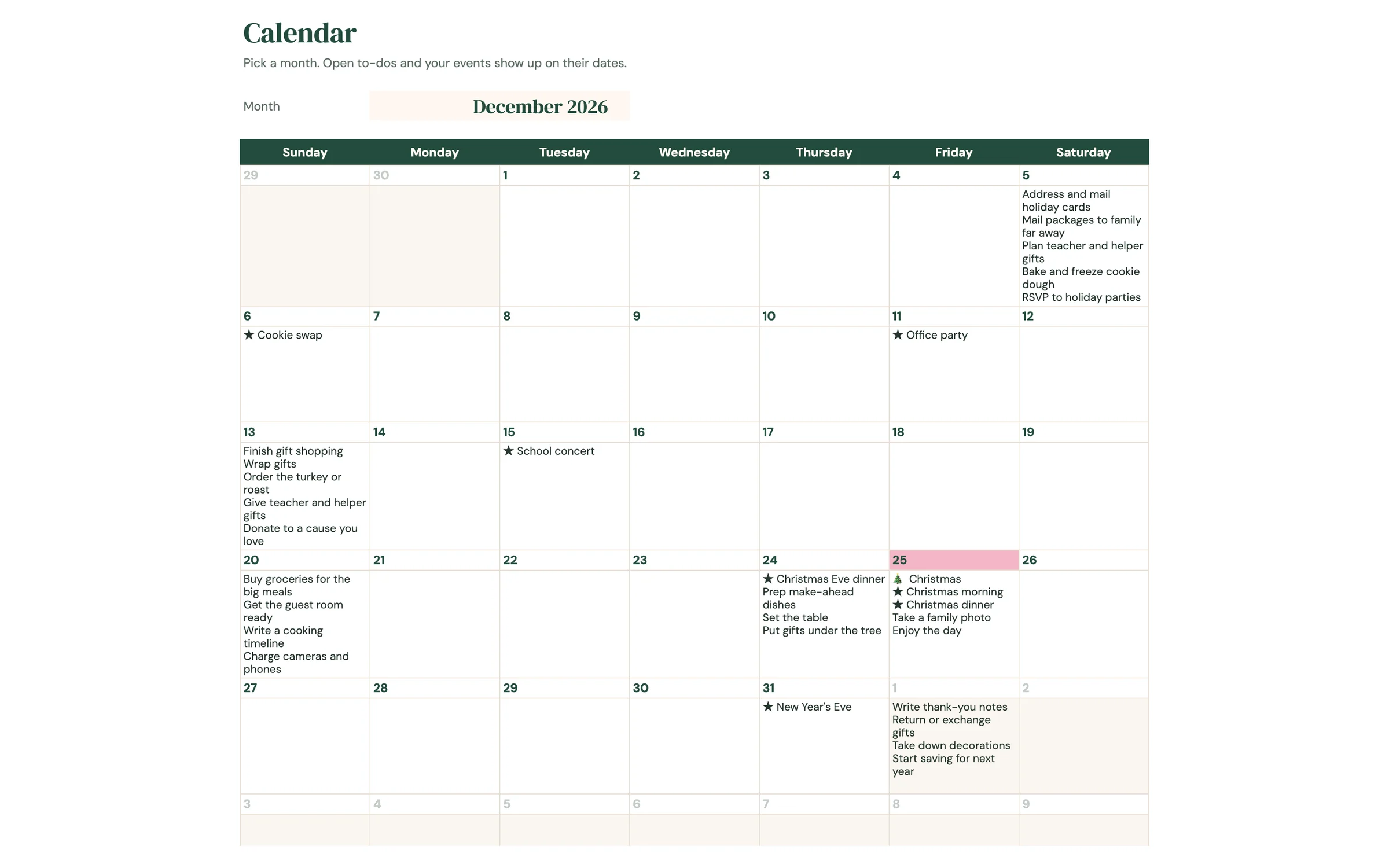
Holiday menus with one grocery list, and November and December to-dos that land on a month calendar.
Set up in 5 steps
Make your own copy
After purchase, open the PDF from your Etsy downloads and click the template link. Google Sheets asks you to “Make a copy”, and the copy lands in your own Google Drive, private to you.
Fill in SETUP
Add your holiday date and total budget, then adjust the budget split, gift groups, your people and the shops you use.
List your gifts
One row per gift on GIFT LIST with its budget. Move Status from Idea to Ordered, Bought, Wrapped and Given as you go.
Track everything else
Log other spending on BUDGET, tick off cards on CARDS, and plan parties, menus and groceries on EVENTS and MENU.
Stay on schedule
TO-DO due dates count back from your holiday date, and CALENDAR shows them by month. Next year, change the date and reuse it.
Good to know
What's included in the Planly Merry List?
10 tabs: Start Here, Setup, Dashboard, Gift List, Budget, Cards, Events, Menu, To-Do, Calendar. Everything is pre-built with formulas, so you only fill in your own information.
How do I get the template after buying?
Etsy gives you an instant PDF download with your template link. Open it, click “Make a copy”, and the sheet is saved to your Google Drive.
Does it work on my phone?
Yes! Open your copy in the free Google Sheets app on iPhone, iPad or Android. Setup is easiest on a computer.
Can I reuse it next year?
Yes. Make a new copy and change the year on the setup tab.
Is there a dark mode?
Yes, a Dark Mode edition is included free. It has the same tabs and formulas with a dark background that's easier on the eyes at night. Your download page has a button for each version, and you can keep both.
You might also like
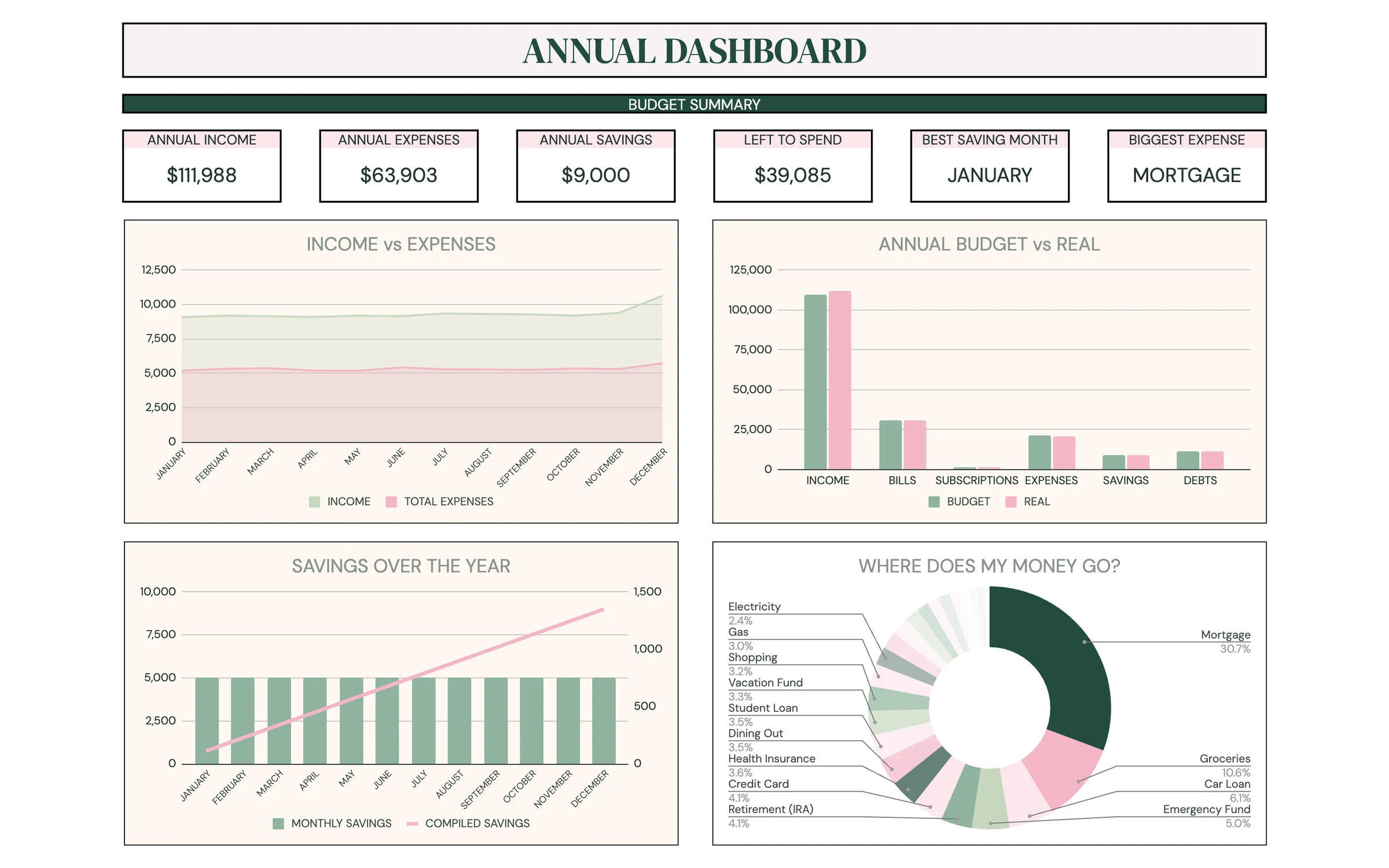
Planly Money Map
Full-Year Budget PlannerYour whole year of money in one place. An all-in-one Google Sheets budget with 12 monthly budgets, an annual dashboard, sinking funds, a debt calculator, net worth and investment trackers, and a savings challenge.
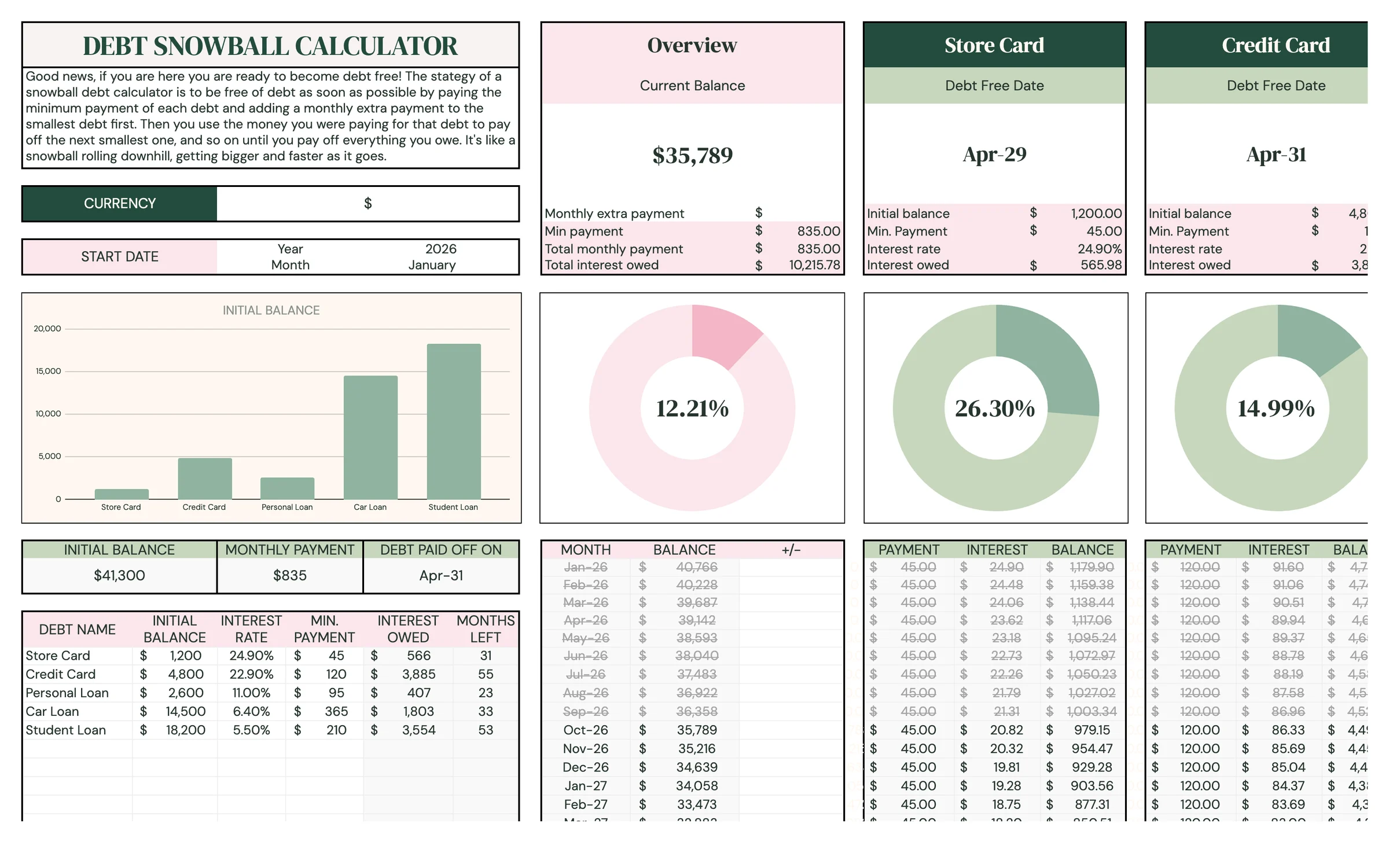
Planly Debt Melt
Debt Snowball CalculatorSee your debt-free date, and move it closer. A Google Sheets debt snowball calculator for up to 15 debts that builds your payoff plan month by month and shows exactly when you'll be debt-free.
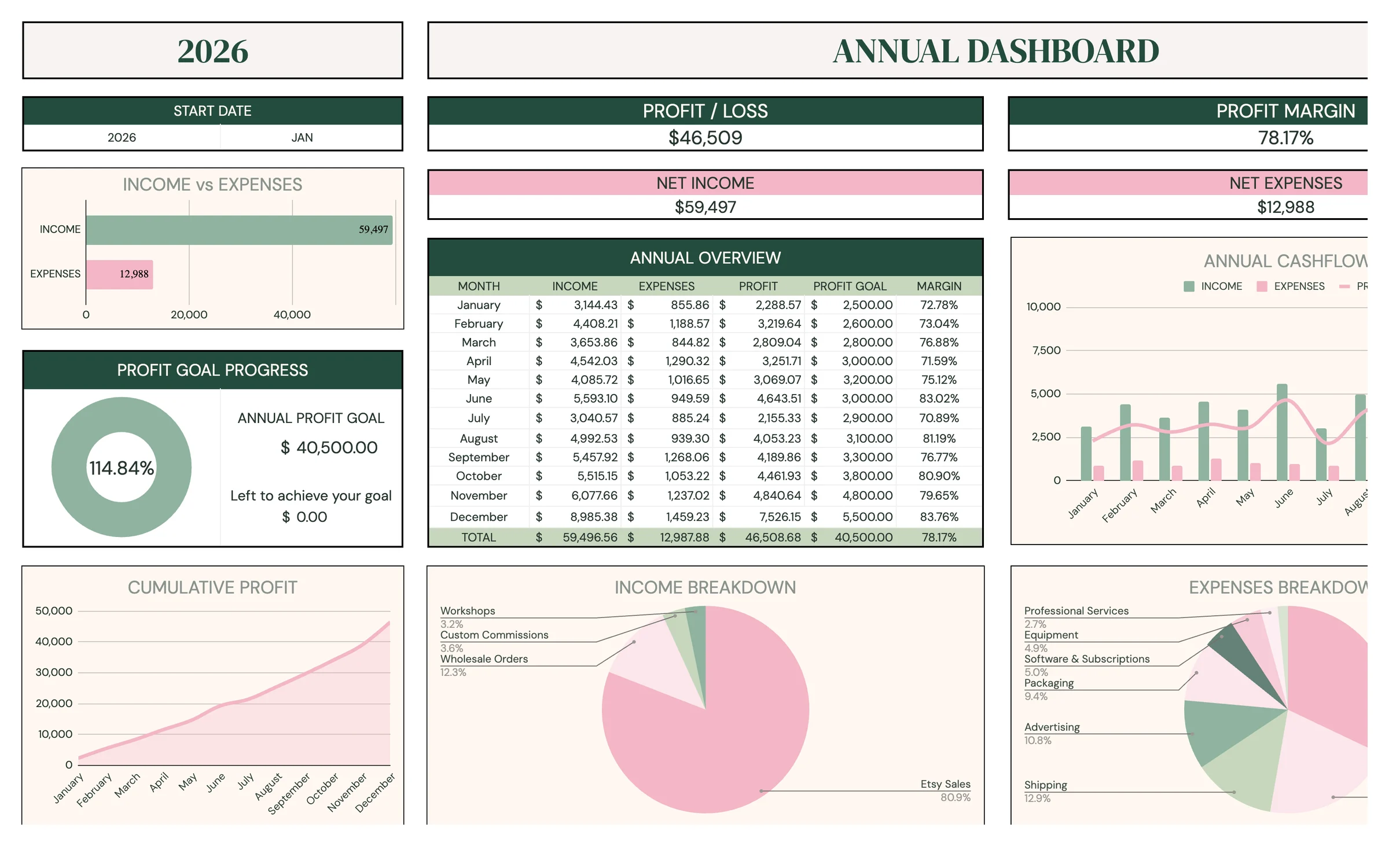
Planly Biz Books Pro
Small Business BookkeepingPro-level books without the accountant price tag. A complete small-business bookkeeping system in Google Sheets: transactions, monthly, quarterly, annual and 5-year reports, custom date ranges, comparisons, profit goals and a sales tax tracker.
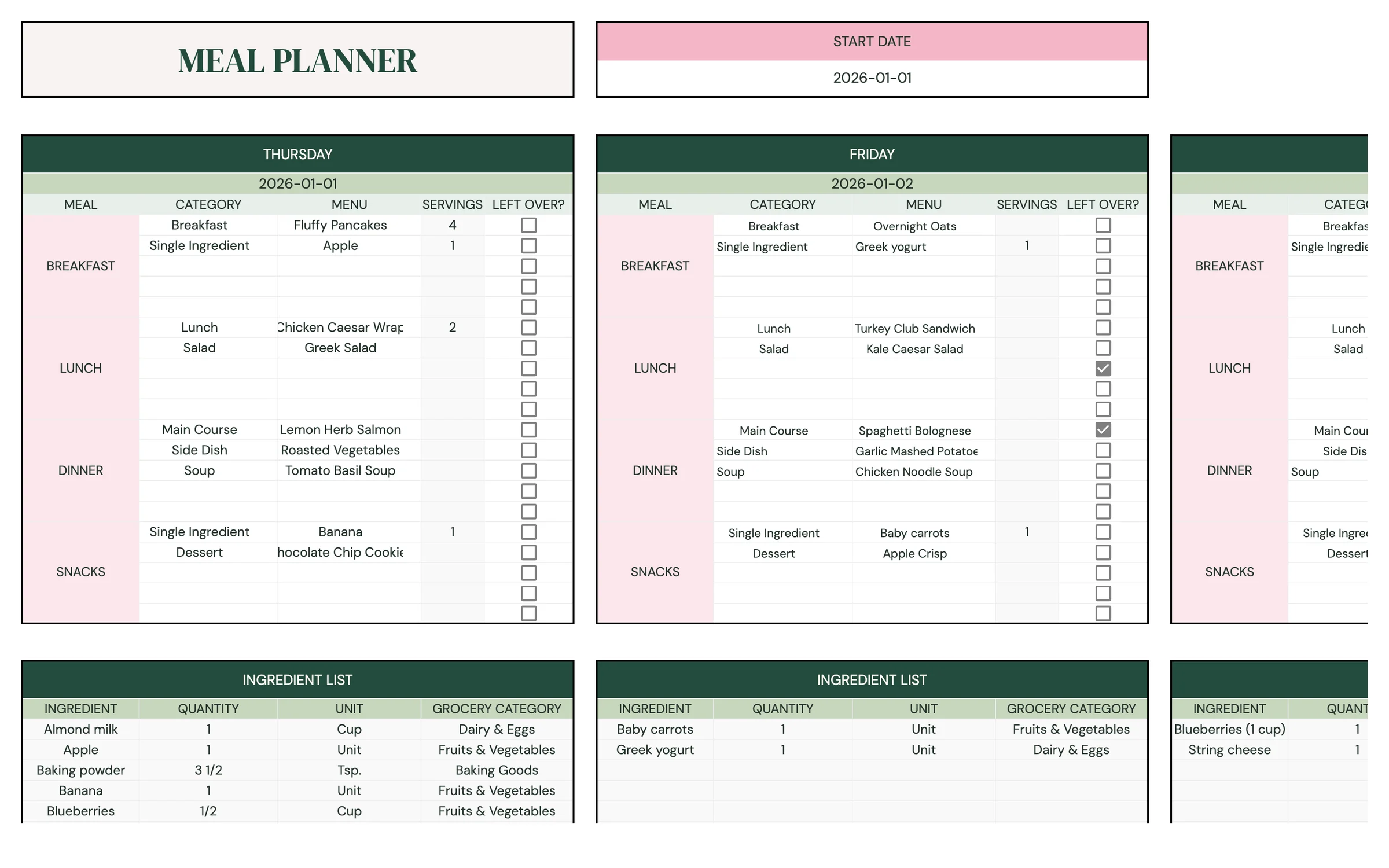
Planly Fresh Plate
Meal Planner & Grocery ListPlan the week, shop once, eat well. A Google Sheets meal planner with a recipe book, recipe cards, weekly planner, auto-generated shopping list, pantry inventory, calorie tracker and weight tracker.