

Planly Table Talk
Wedding Seating Chart · Google Sheets template
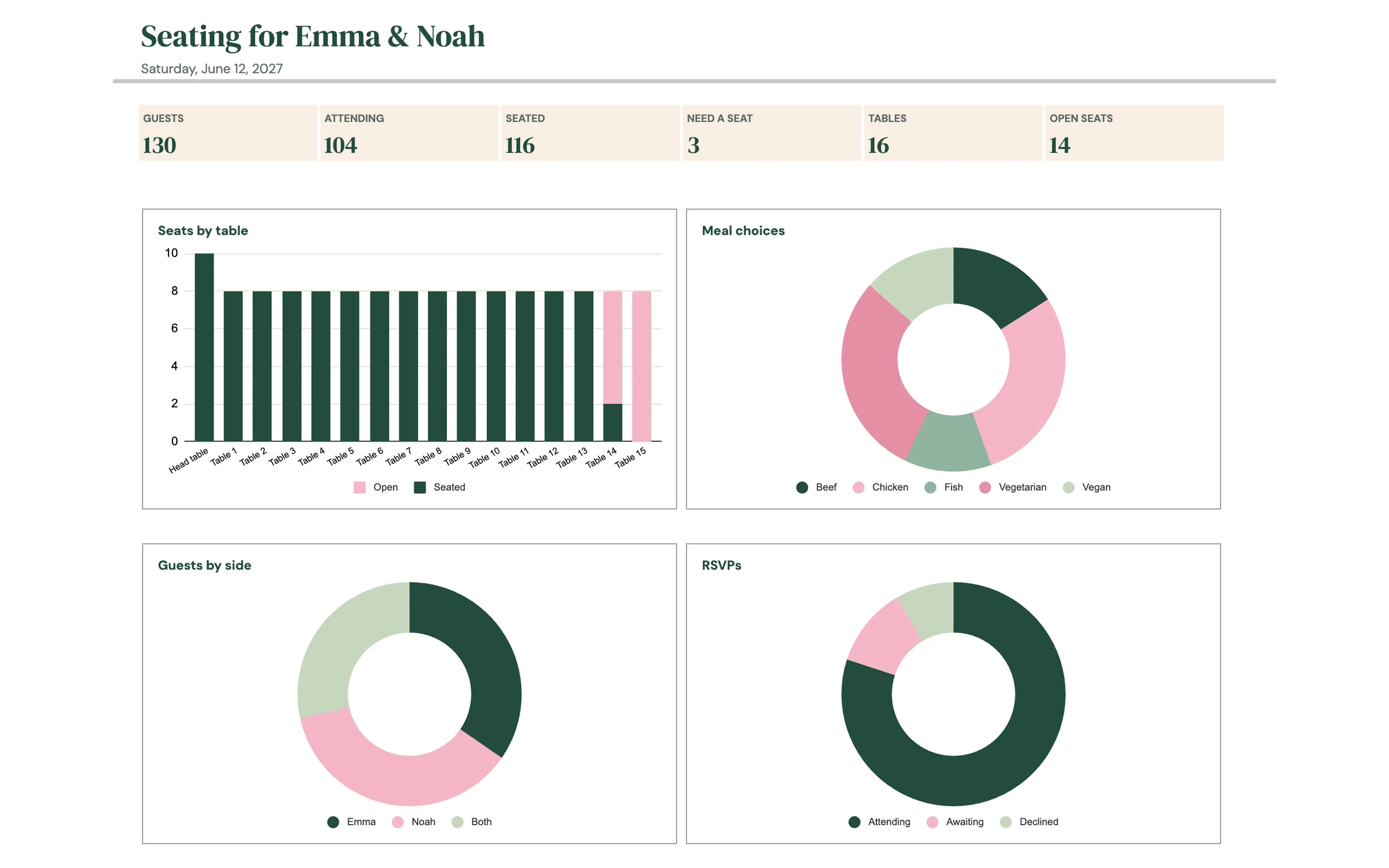
Who sits where, with meal counts for your caterer. A wedding seating chart for Google Sheets: list up to 300 guests, pick a table for each, and see seats taken and open at every table. Printable table cards show each guest with their meal, a running list shows who still needs a seat, and meal counts per table go straight to your caterer. Works for 60 tables of any shape.
Take a tour of the sheet
Everything you need
Tables at a glance
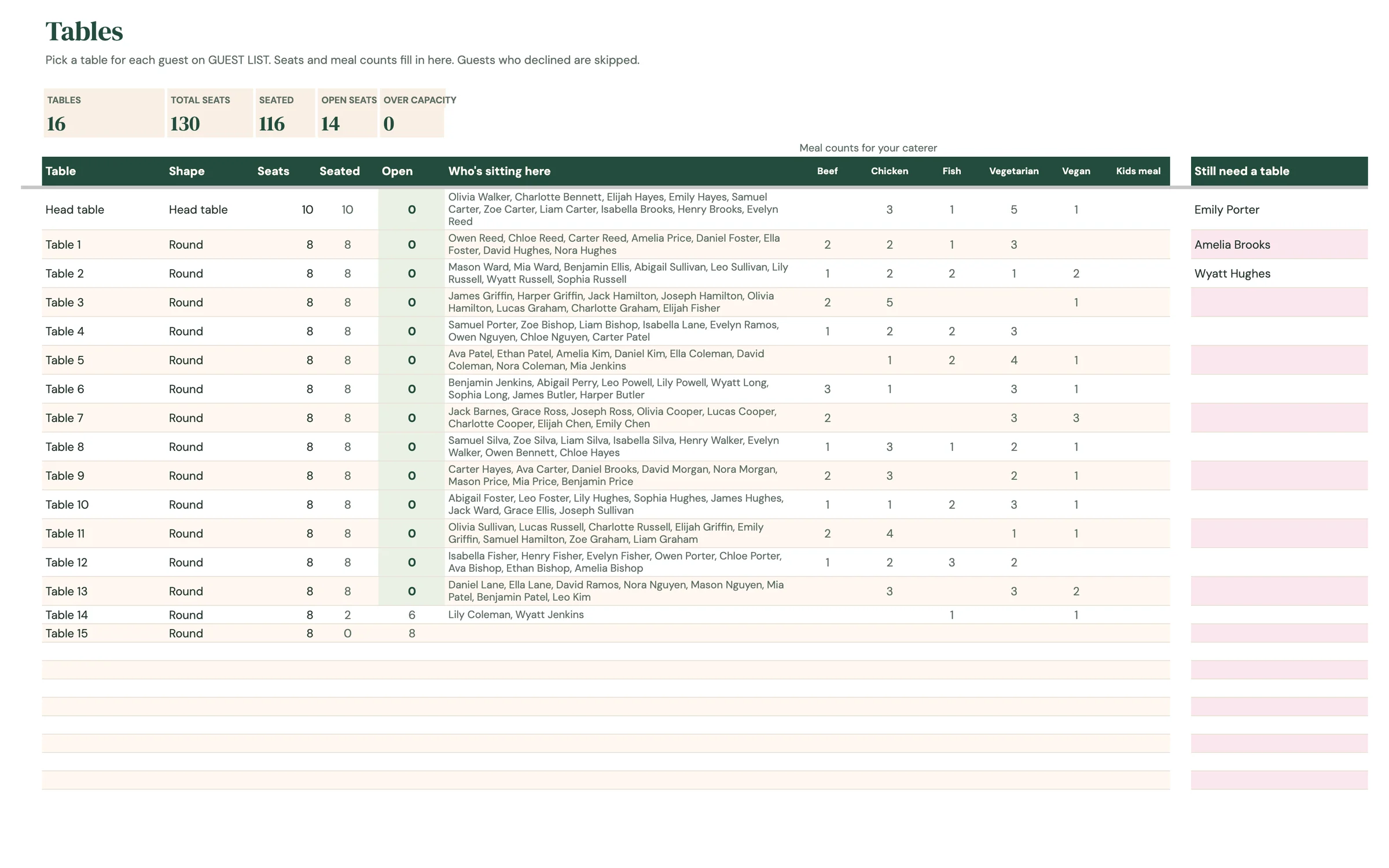
Seats, seated and open for up to 60 tables. Full tables turn green and overfilled ones turn pink.
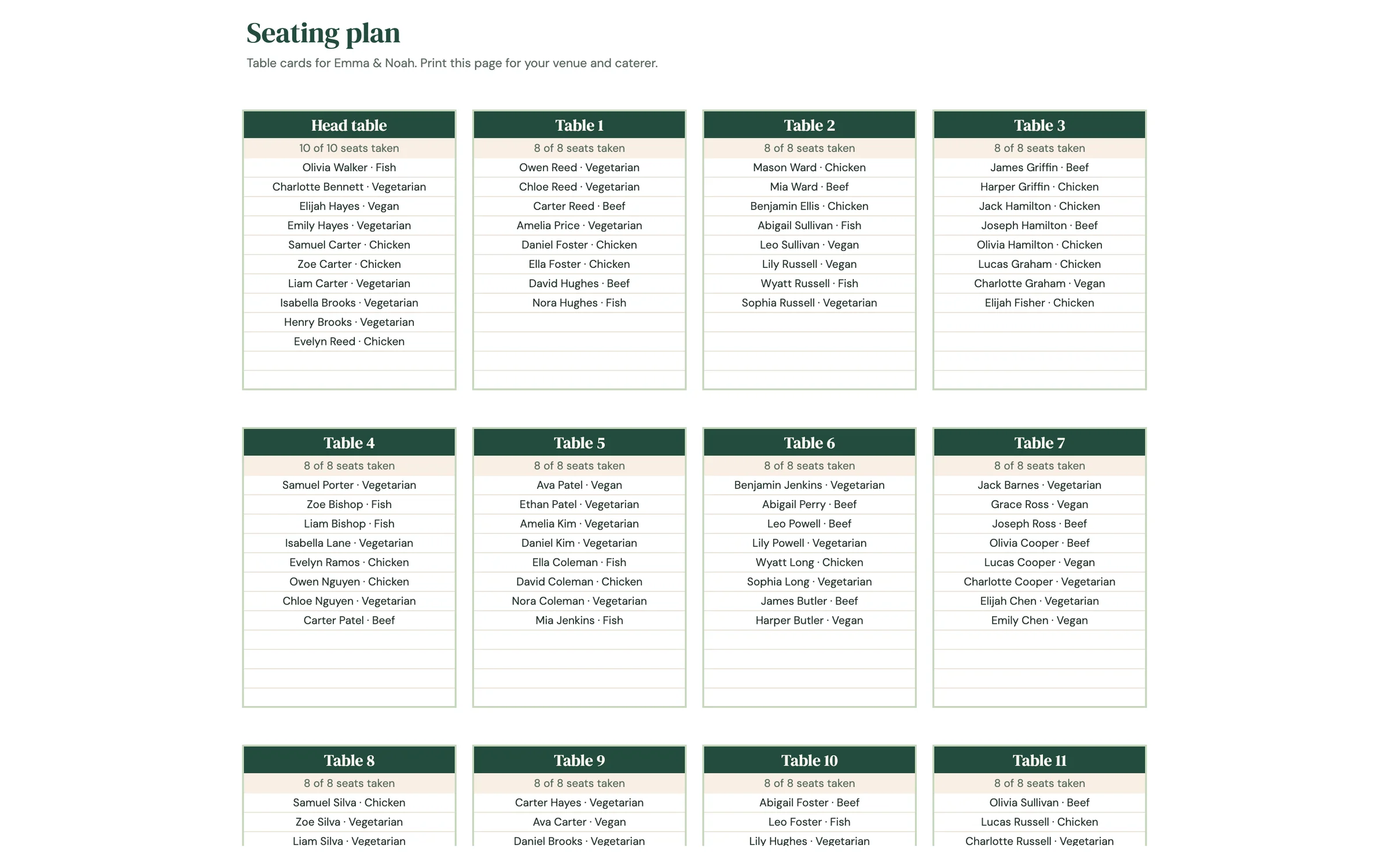
Printable table cards
A card for every table listing each guest and their meal, ready for your venue.
Meal counts per table
How many of each meal at every table, so your caterer knows exactly what to serve where.
Still need a seat
A live list of guests without a table, skipping anyone who declined.
Set up in 4 steps
Make your own copy
After purchase, open the PDF from your Etsy downloads and click the template link. Google Sheets asks you to “Make a copy”, and the copy lands in your own Google Drive, private to you.
Fill in SETUP
Add your names, wedding date and the usual seats per table, then edit the meal options and guest groups.
Add guests and tables
List every guest on GUEST LIST, one row per person. Rename or add tables on TABLES, then pick a table for each guest.
Print the plan
SEATING PLAN builds a card for every table. Send the meal counts on TABLES to your caterer.
Good to know
What's included in the Planly Table Talk?
6 tabs: Start Here, Setup, Dashboard, Guest List, Tables, Seating Plan. Everything is pre-built with formulas, so you only fill in your own information.
How do I get the template after buying?
Etsy gives you an instant PDF download with your template link. Open it, click “Make a copy”, and the sheet is saved to your Google Drive.
Does it work on my phone?
Yes! Open your copy in the free Google Sheets app on iPhone, iPad or Android. Setup is easiest on a computer.
Can I reuse it next year?
Yes. Make a new copy and change the year on the setup tab.
Is there a dark mode?
Yes, a Dark Mode edition is included free. It has the same tabs and formulas with a dark background that's easier on the eyes at night. Your download page has a button for each version, and you can keep both.
You might also like
Planly Say Yes Lite
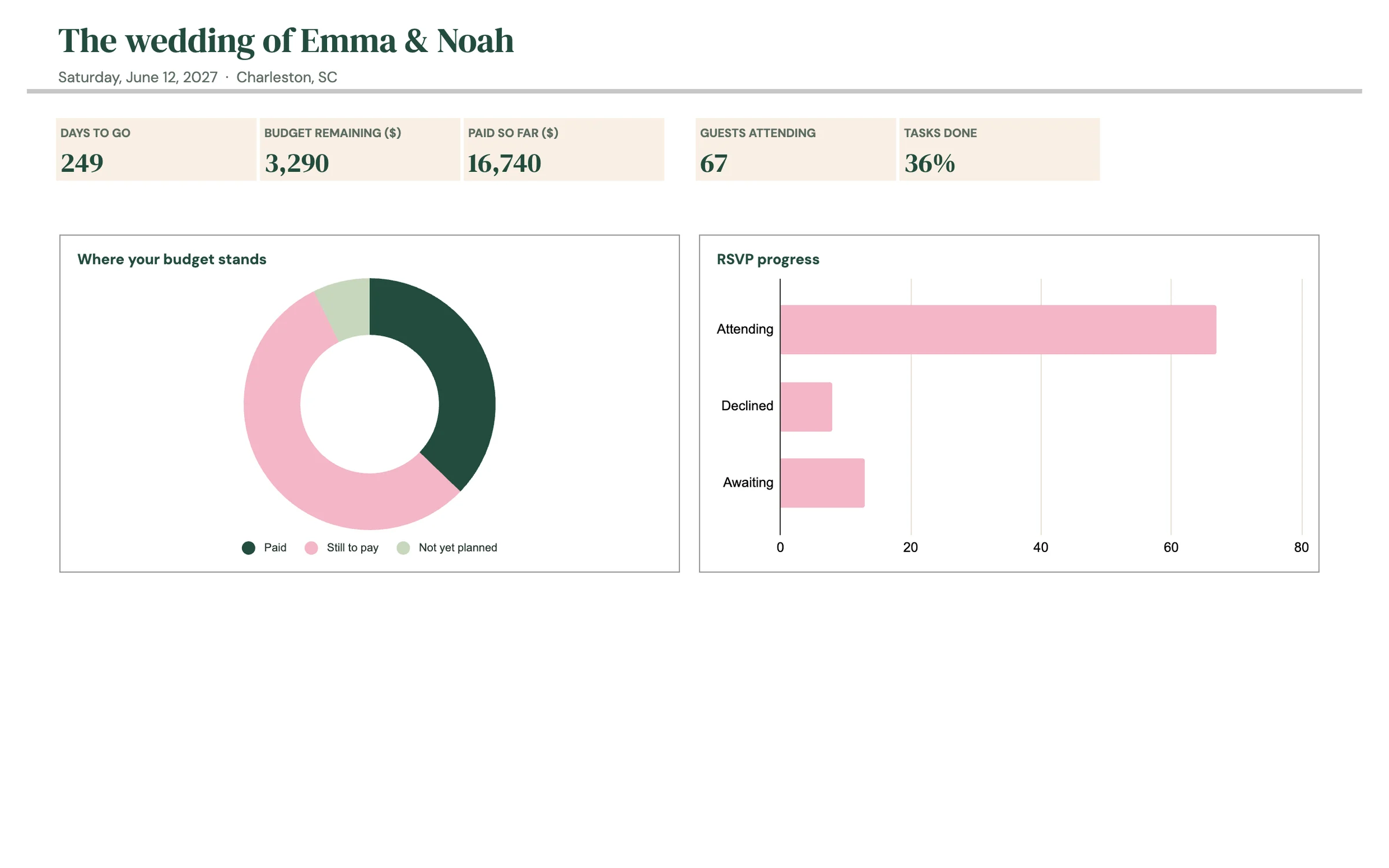
Basic Wedding PlannerBudget, guests and checklist for the big day, in one sheet. A 2027 Google Sheets wedding planner with a countdown dashboard, a wedding budget, a guest list for 150 guests with RSVPs and meals, and a checklist of about 55 tasks with due dates that count back from your wedding date. Pick your currency on setup ($, £, €, CA$, A$, ₹ and more).
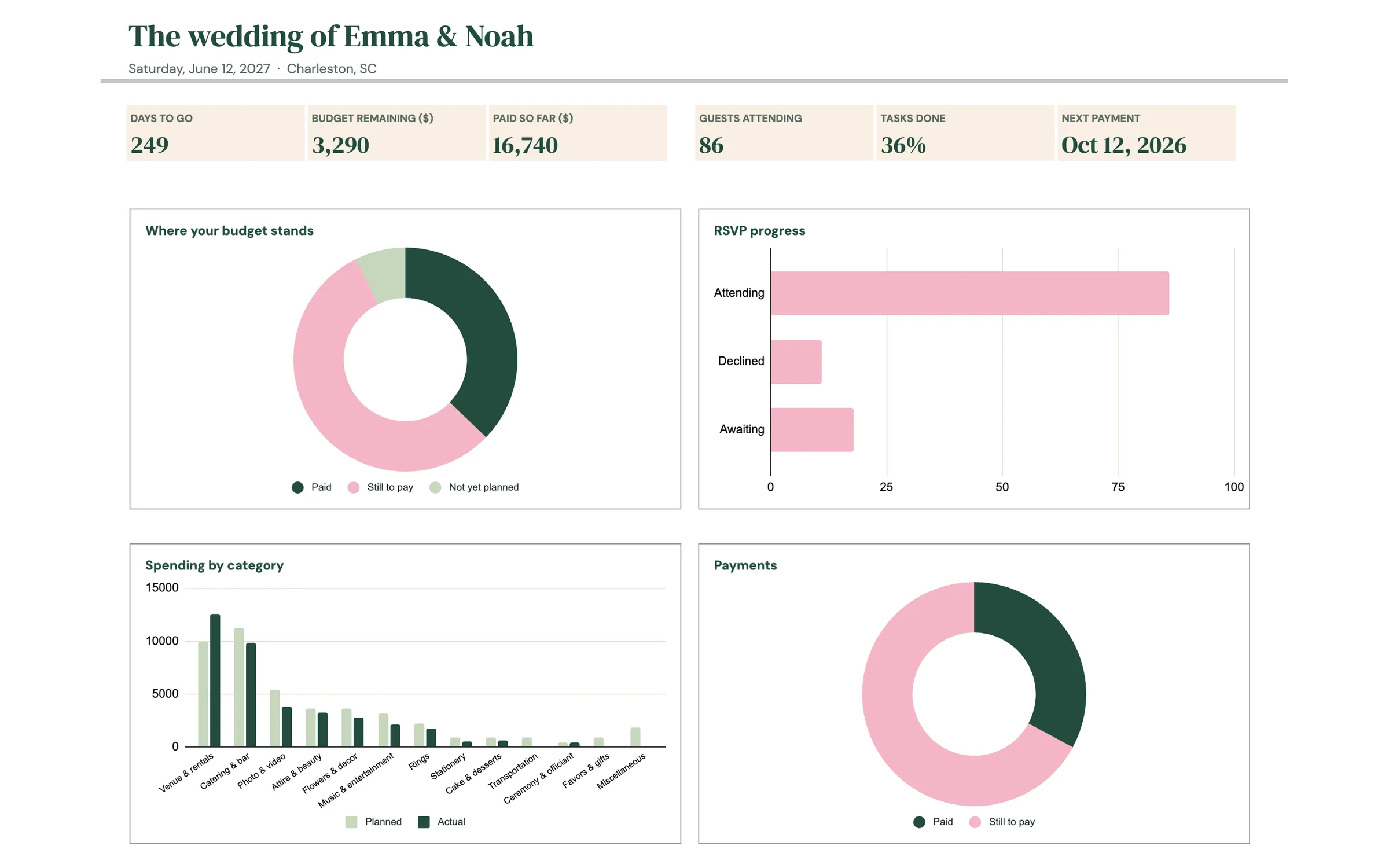
Planly Say Yes
Wedding PlannerEvery vendor, payment and table, sorted before the big day. Everything in Say Yes Lite plus a vendor tracker, a payment schedule that flags what's due soon or overdue, a seating chart for 30 tables with printable table cards, a day-of timeline with a vendor contact sheet, and a wedding party list. A complete 2027 wedding planner in Google Sheets with 4 dashboard charts, in the currency you choose.
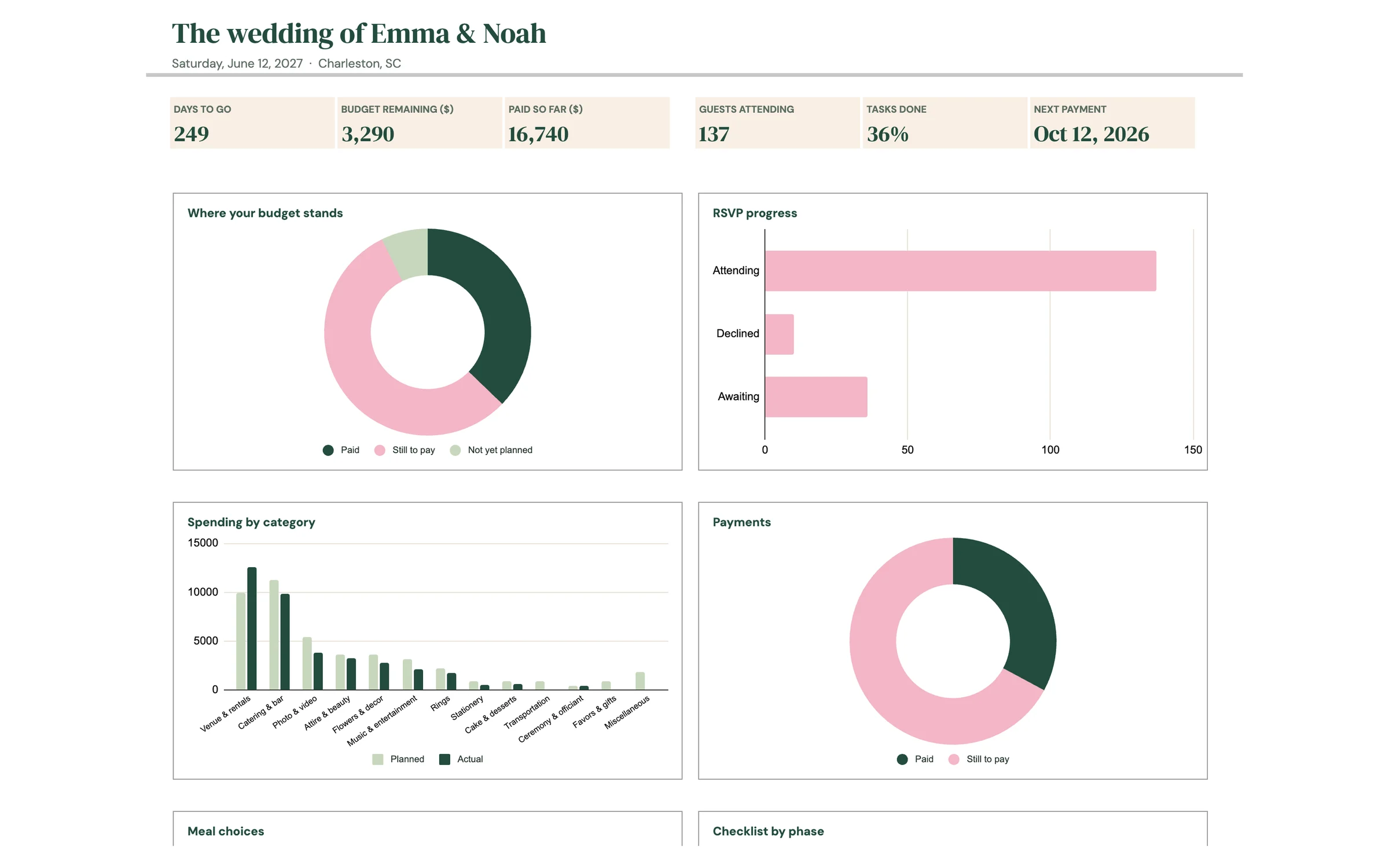
Planly Say Yes Ultimate
Complete Wedding PlannerThe whole wedding, from first quote to thank-you notes. Our most complete wedding planner: everything in Say Yes plus vendor quote comparison, venues, gifts and thank-yous, a honeymoon planner, pre-wedding events, a monthly calendar of tasks and payments, a shopping list, a tip calculator and an ideas board. Room for 1,000 guests and 100 tables, with 8 charts on the dashboard and the currency of your choice.
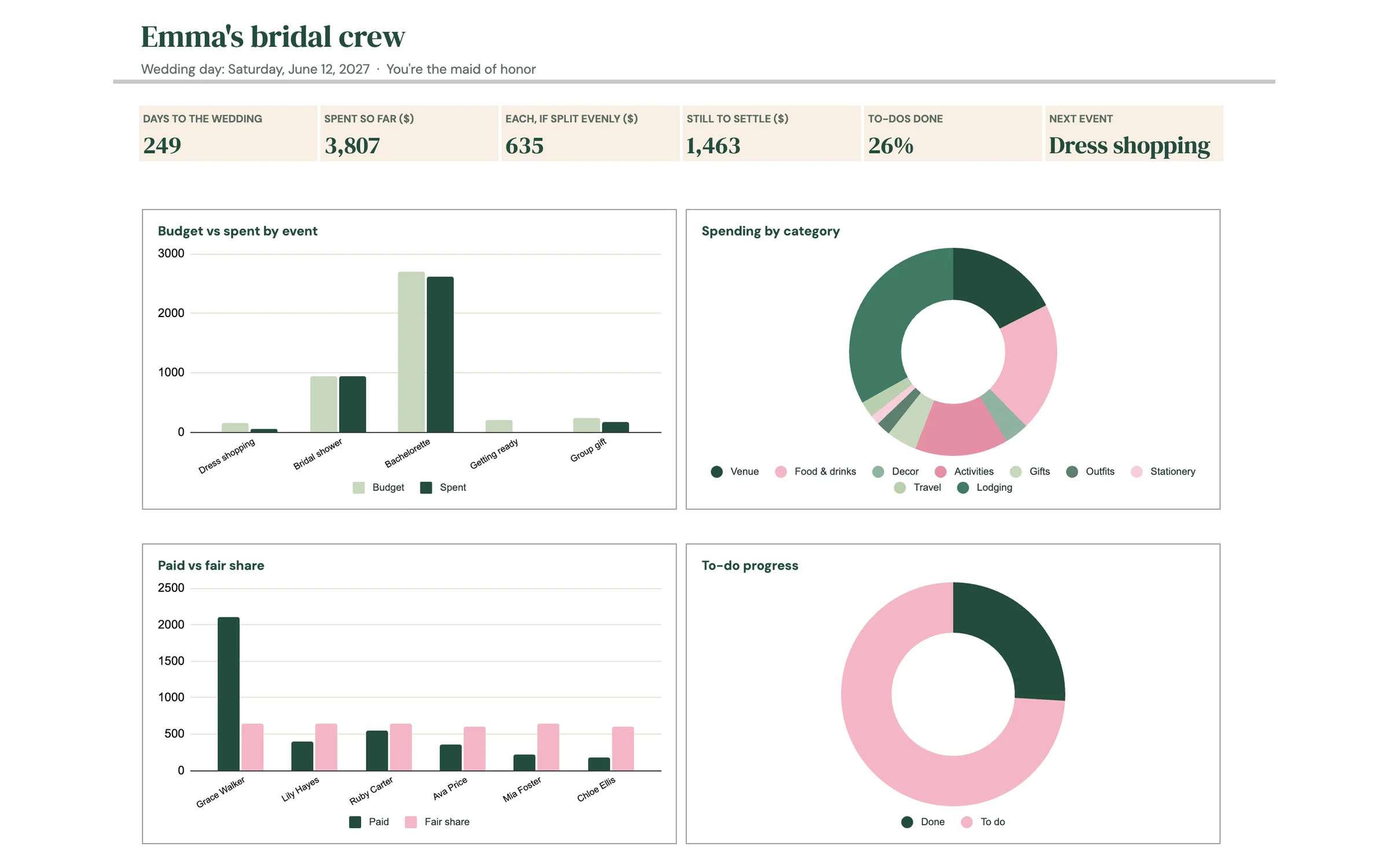
Planly Bridal Crew
Bridesmaid & Maid of Honor PlannerThe shower, the bachelorette and who owes what, in one sheet. A planner for the maid of honor and the bridesmaids: plan every event with its own budget, log shared costs with who paid, and let the sheet split them fairly. A settle-up tab shows each person's balance, a to-do list counts back from the wedding date, and a gift log keeps thank-you notes easy for the bride. Pick your currency, and 4 dashboard charts update as you go.