

Planly Wanderlist
Complete Travel Planner · Google Sheets template
From daydream to boarding pass. The complete Google Sheets travel planner: destination research, flights, hotels, car rental, tours, insurance, a travel budget with spender split, daily itinerary, checklists and packing lists.
Take a tour of the sheet
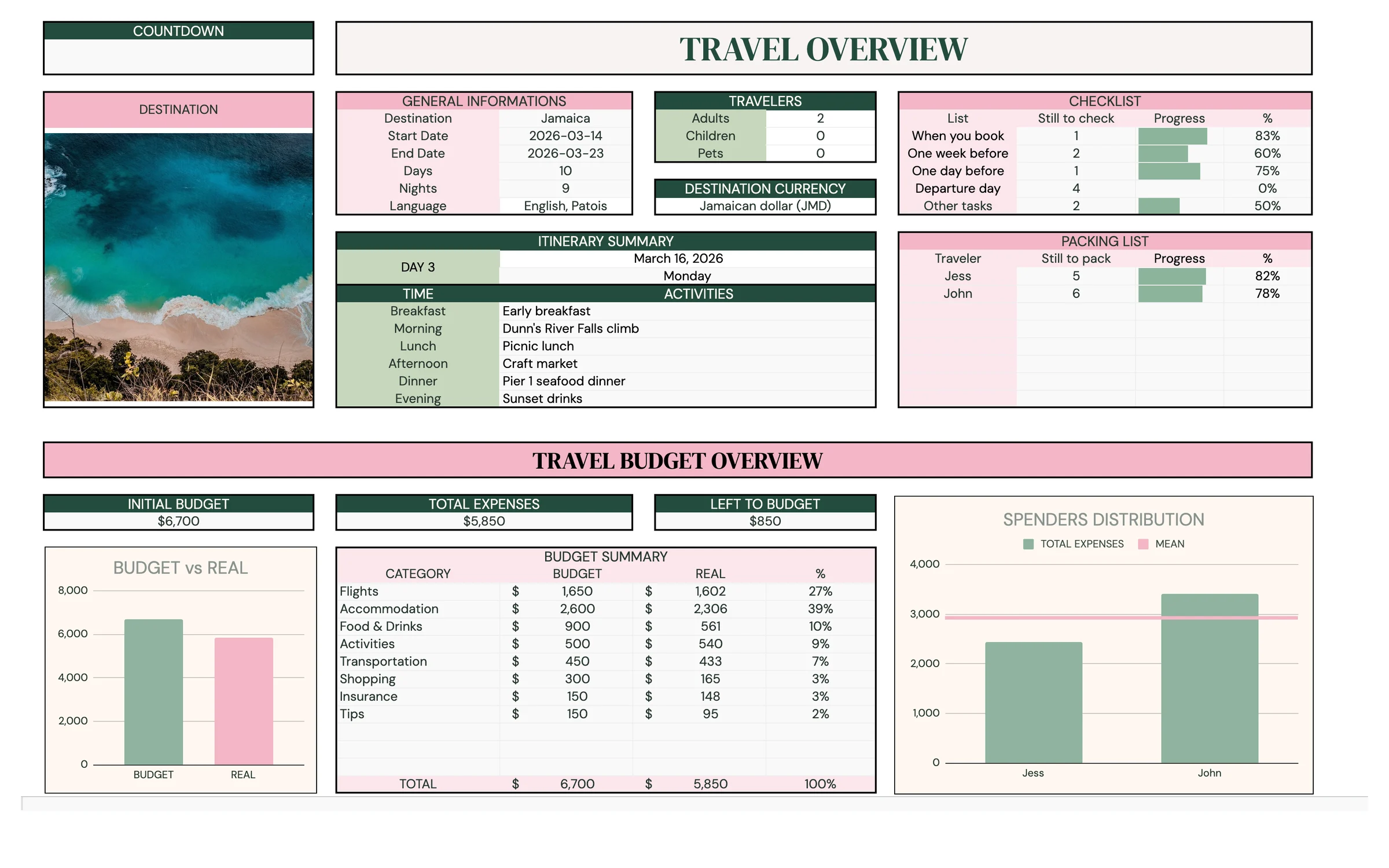
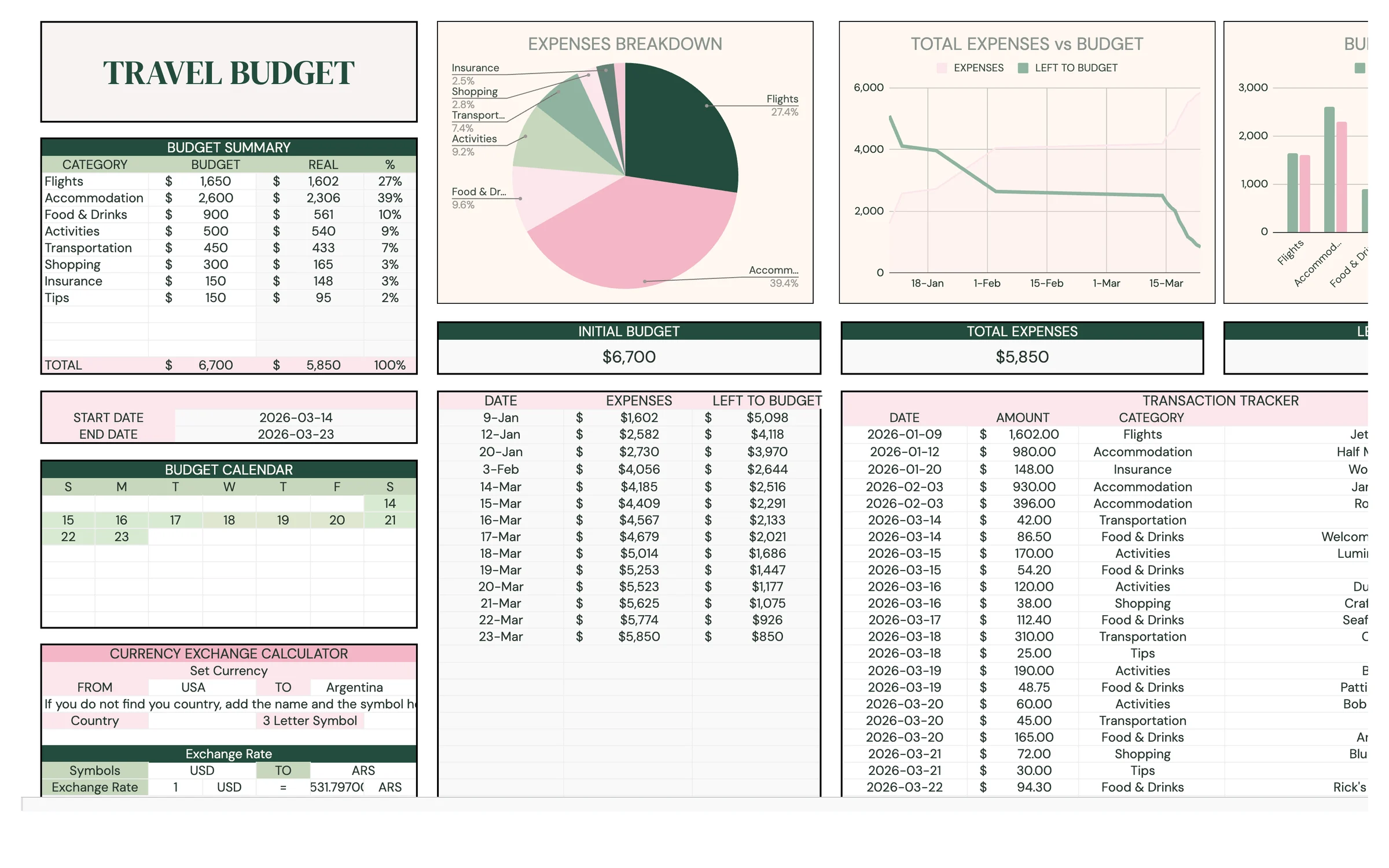
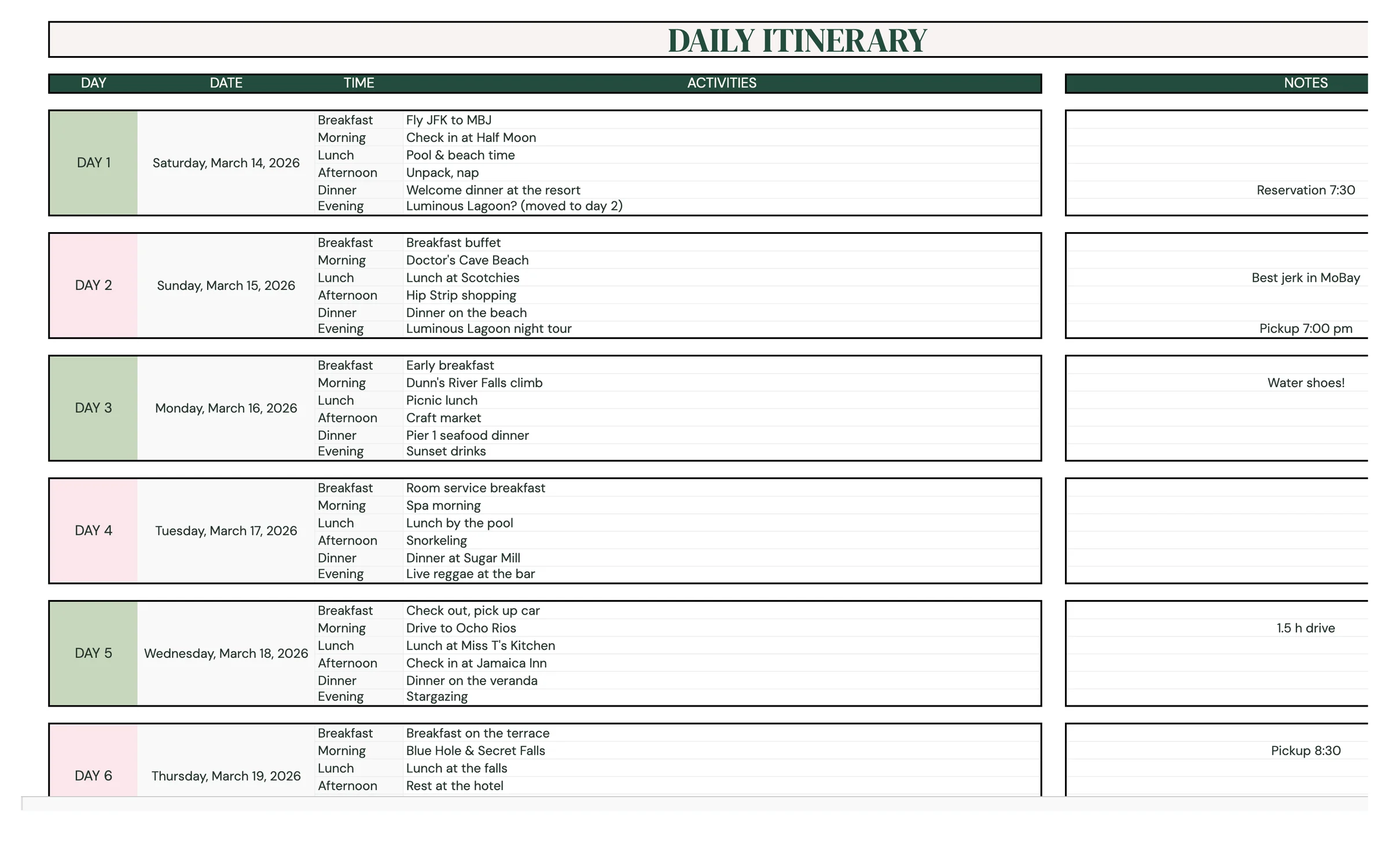
Everything you need
Research & reservations
Compare destinations and keep every booking in one place.
Travel budget
Budget by category and split costs between travelers.
Daily itinerary
Plan each day from breakfast to evening.
Packing lists
Clothing, toiletries and tech lists for two travelers.
Pre-trip checklists
When you book, one week before, the day before and the day of.
Set up in 5 steps
Make your own copy
After purchase, open the PDF from your Etsy downloads and click the template link. Google Sheets asks you to “Make a copy”, and the copy lands in your own Google Drive, private to you.
Set the trip
On SETUP enter your currency, destination and travel dates. The itinerary and calendar build themselves.
Research and book
Compare destinations, then log flights, stays, car rental, tours and insurance on RESEARCH & RESERVATION.
Budget and split
Set a budget by category on TRAVEL BUDGET, log expenses and assign a spender on DISTRIBUTION.
Plan the days and pack
Fill in DAILY ITINERARY, then work through the CHECKLIST and PACKING LIST before you go.
Good to know
What's included in the Planly Wanderlist?
9 tabs: Setup, Travel Overview, Research & Reservation, Destination Overview, Travel Budget, Distribution, Daily Itinerary, Checklist, Packing List. Everything is pre-built with formulas, so you only fill in your own information.
How do I get the template after buying?
Etsy gives you an instant PDF download with your template link. Open it, click “Make a copy”, and the sheet is saved to your Google Drive.
Does it work on my phone?
Yes! Open your copy in the free Google Sheets app on iPhone, iPad or Android. Setup is easiest on a computer.
Can I reuse it next year?
Yes. Make a new copy and change the year on the setup tab.
Is there a dark mode?
Yes, a Dark Mode edition is included free. It has the same tabs and formulas with a dark background that's easier on the eyes at night. Your download page has a button for each version, and you can keep both.
You might also like
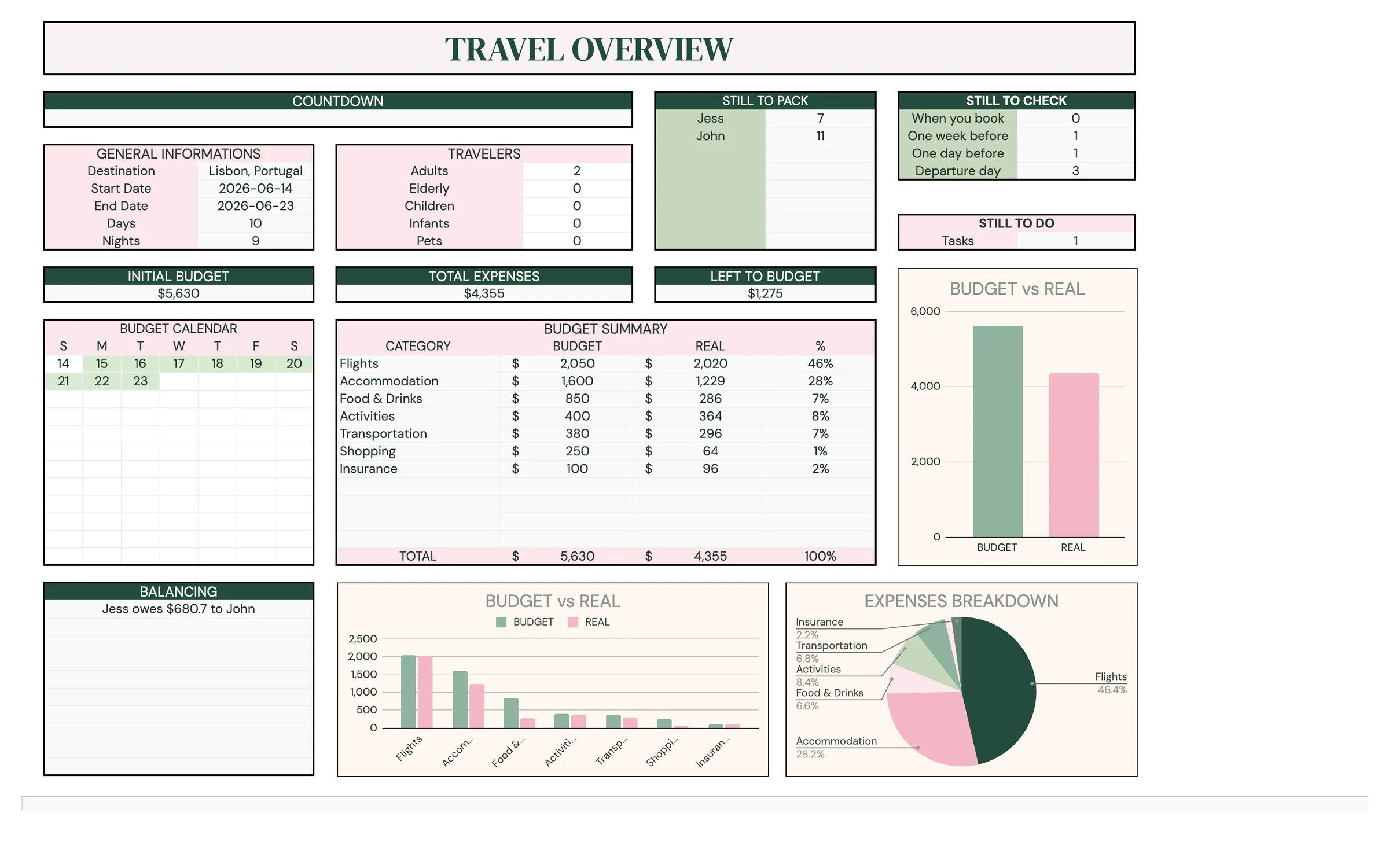
Planly Getaway
Weekend & City Trip PlannerEverything for your next getaway, in one tab bar. A simple Google Sheets travel planner with bookings, a travel budget, cost split, daily itinerary, checklists and packing lists.
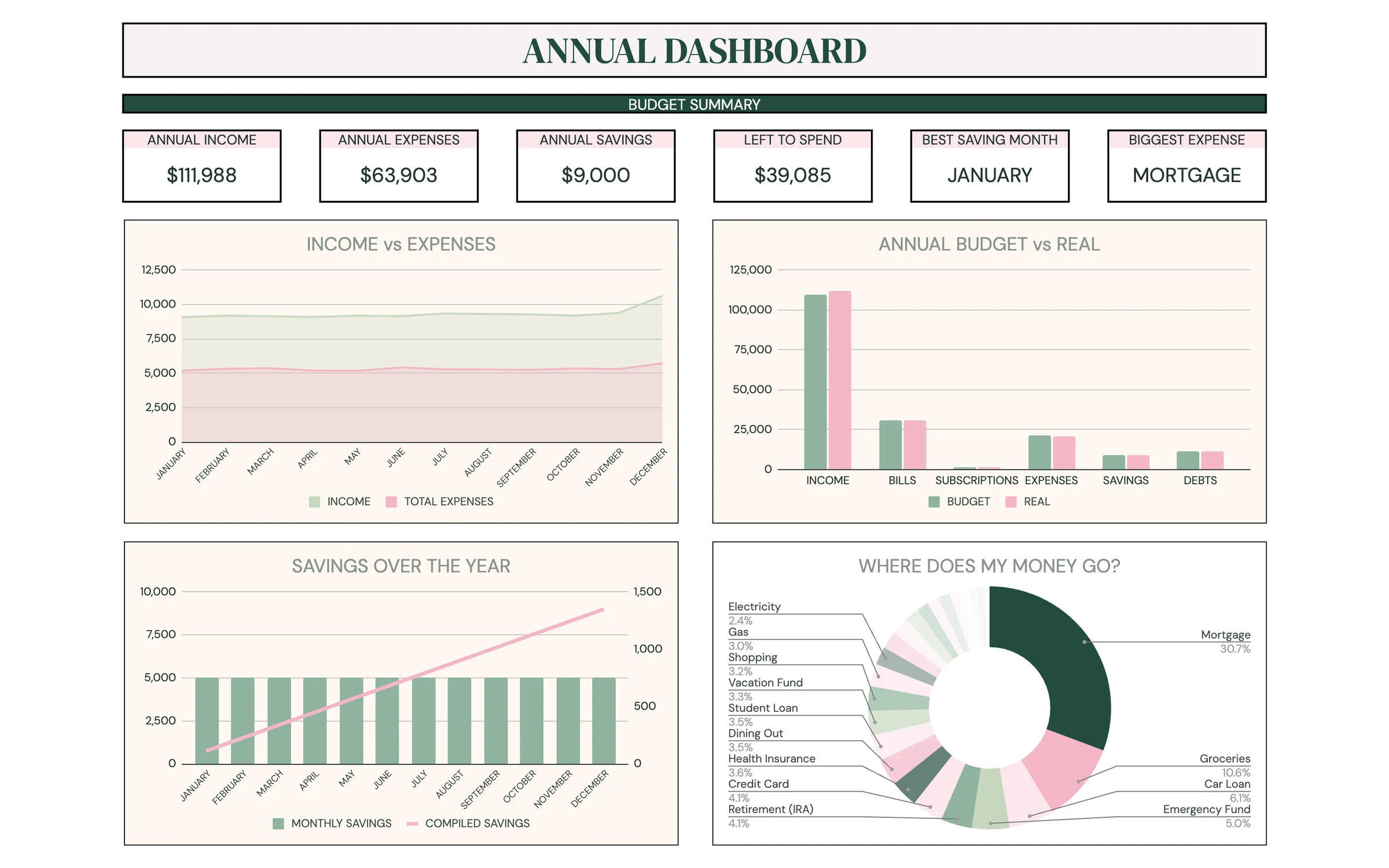
Planly Money Map
Full-Year Budget PlannerYour whole year of money in one place. An all-in-one Google Sheets budget with 12 monthly budgets, an annual dashboard, sinking funds, a debt calculator, net worth and investment trackers, and a savings challenge.
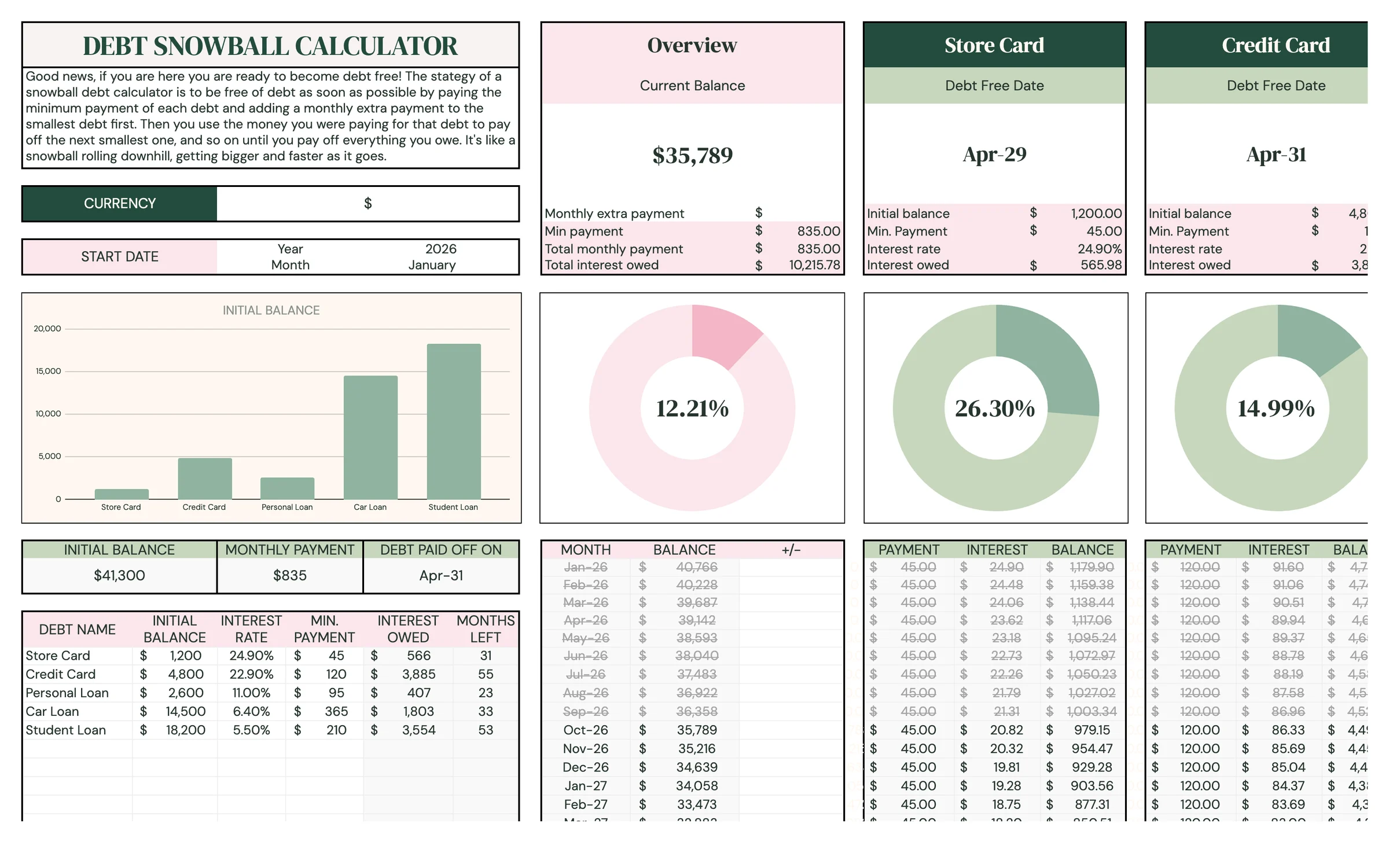
Planly Debt Melt
Debt Snowball CalculatorSee your debt-free date, and move it closer. A Google Sheets debt snowball calculator for up to 15 debts that builds your payoff plan month by month and shows exactly when you'll be debt-free.
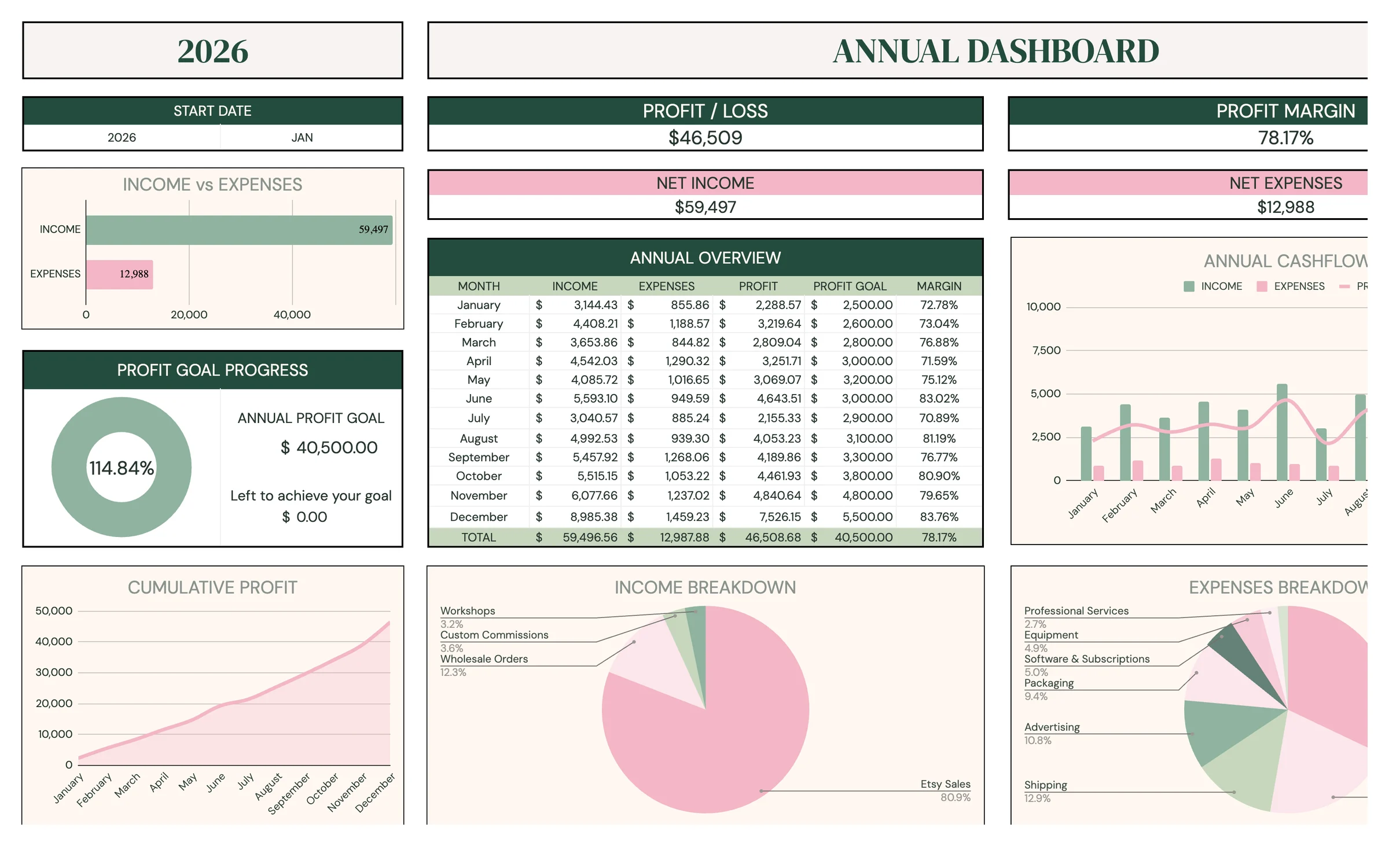
Planly Biz Books Pro
Small Business BookkeepingPro-level books without the accountant price tag. A complete small-business bookkeeping system in Google Sheets: transactions, monthly, quarterly, annual and 5-year reports, custom date ranges, comparisons, profit goals and a sales tax tracker.