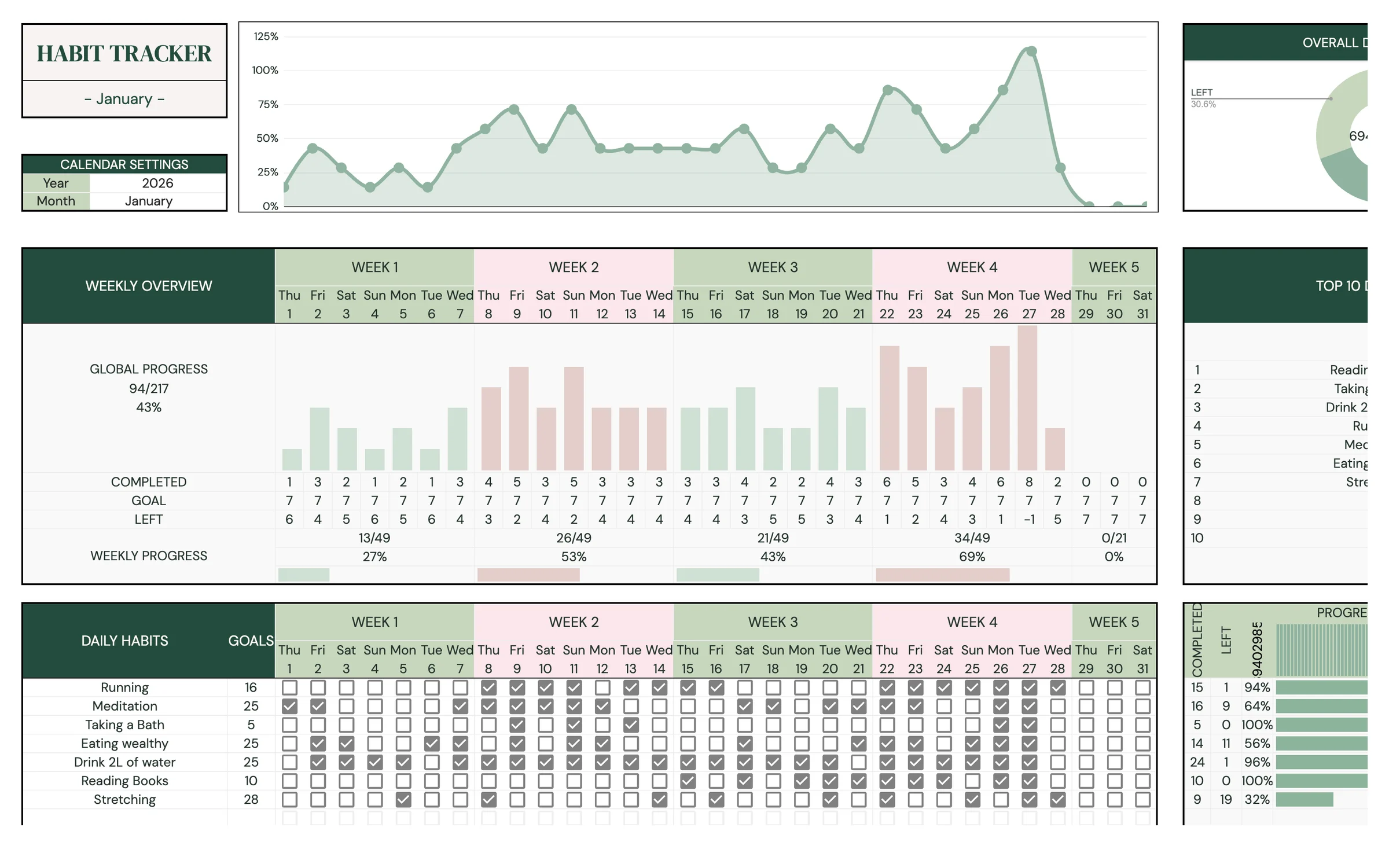
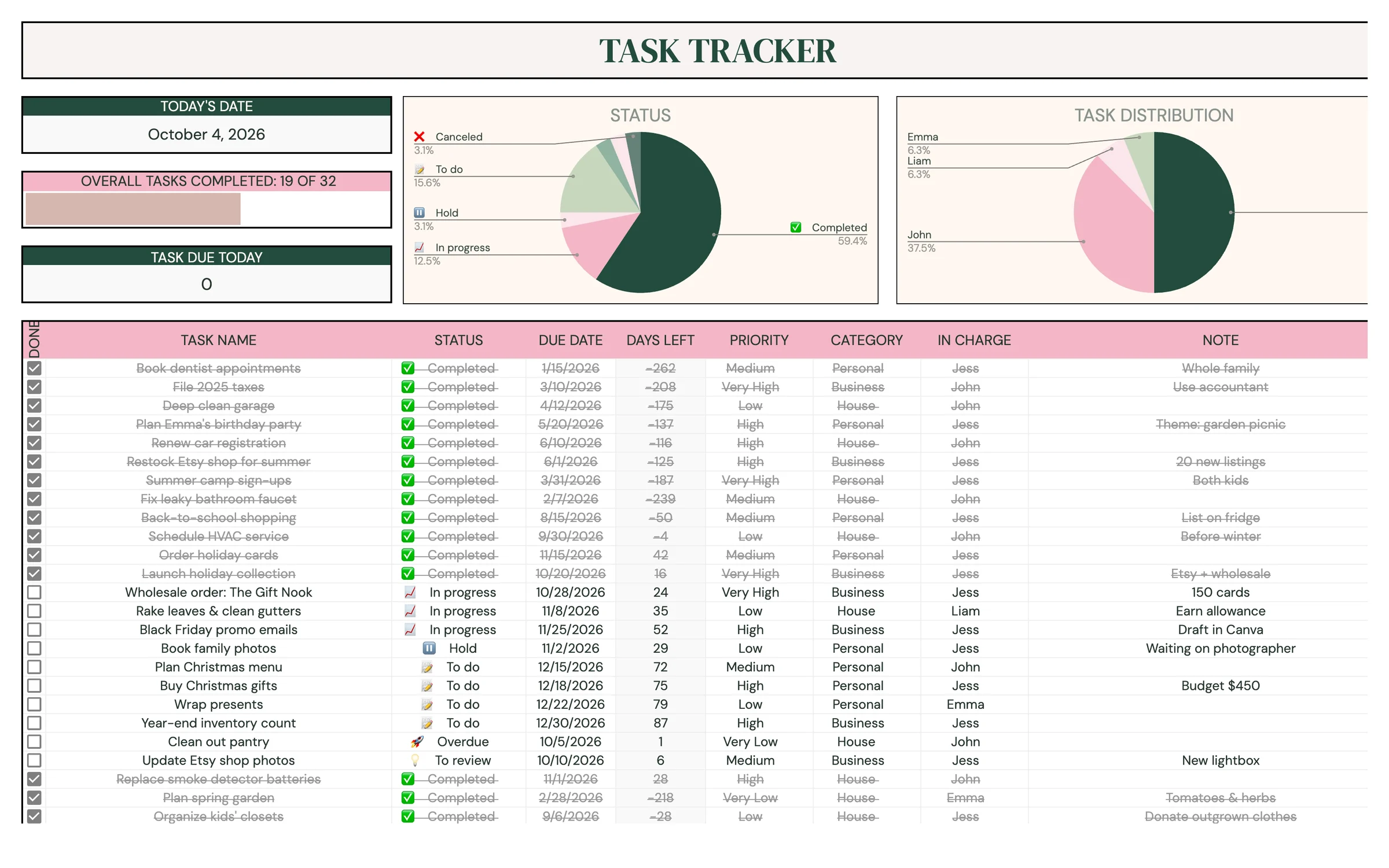
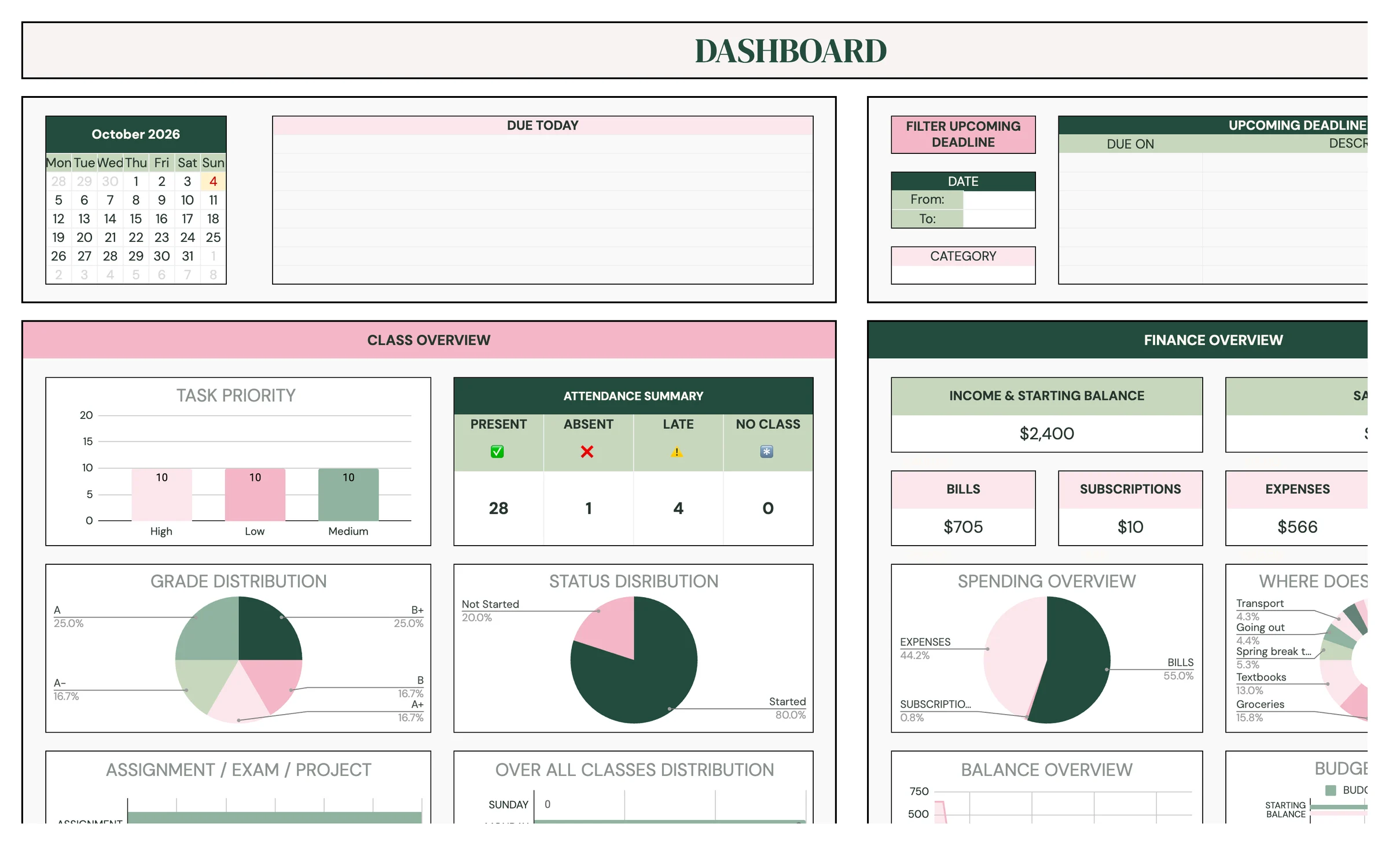
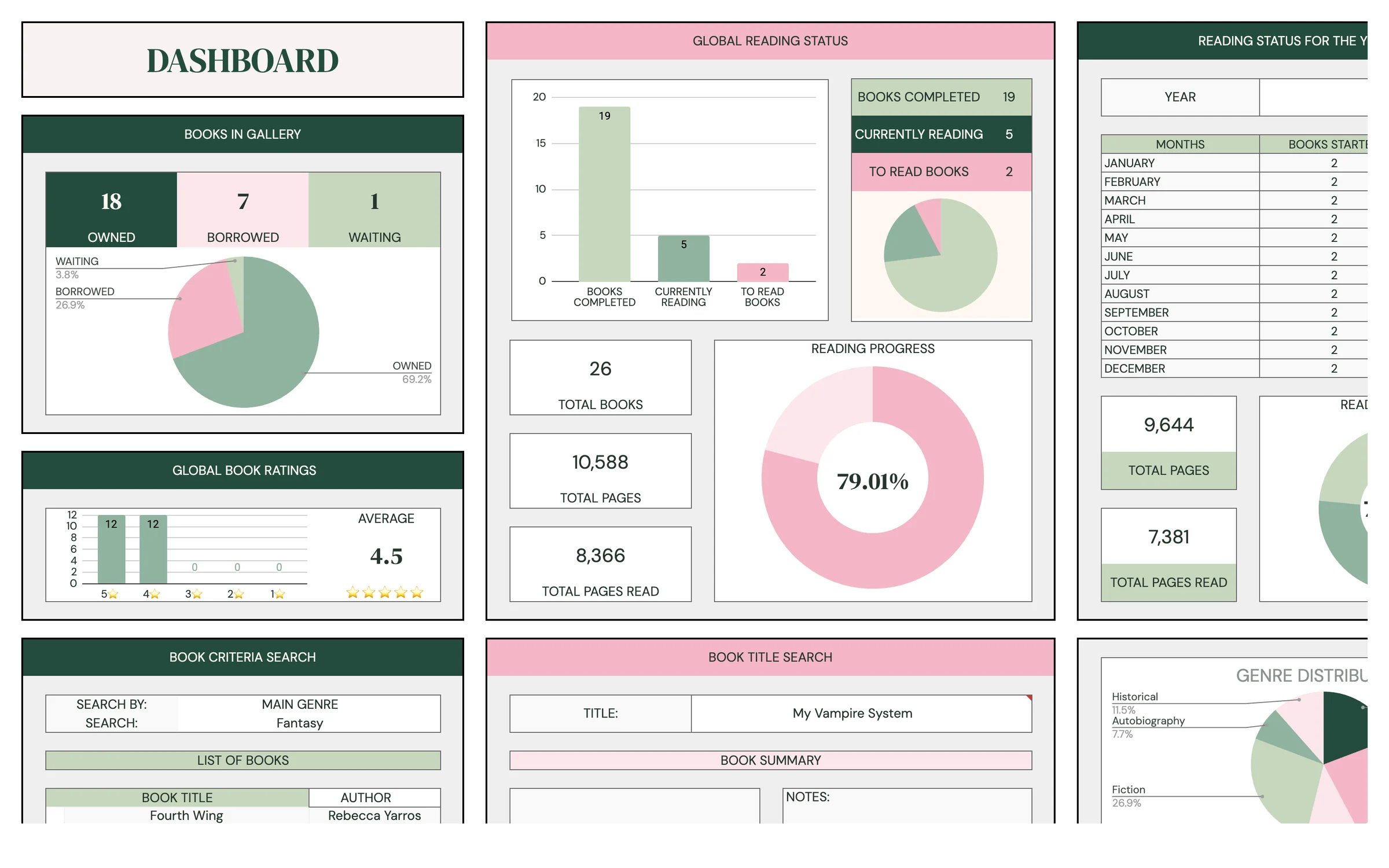
4 templates
Productivity Bundle
Habits, tasks, classes and books in one place.
$13.99Save 44% vs. $24.96 separately


Add your classes, credits and grades to see your GPA for the term, weighted and unweighted, your new cumulative GPA, and what you need to hit a target.
Leave credits at 0 if this is your first term. Uses your unweighted GPA for this term to match.
Average this across your next 60 credits. Counts your credits so far plus the courses above.
Standard US 4.0 scale. Honors and AP bonuses aren't added to an F. Your school's rules may differ. Your numbers stay on this device.
This is the standard US 4.0 scale most high schools and colleges use. Each grade's points are multiplied by the class credits, so a 4 credit class moves your GPA more than a 1 credit one.
*Some schools count an A+ as 4.33. Honors adds 0.5 and AP or IB adds 1.0 for the weighted GPA.
This calculator gives you a snapshot. Planly Class Act is where the term lives: your class schedule, each class and its grades, assignments and exams with due dates, a calendar, attendance, a reading list and a student budget, with a dashboard showing what's coming up.
Class Act plus a habit tracker, to-do list and book tracker.
Habits, tasks, classes and books in one place.
Turn each letter grade into points (A is 4.0, B is 3.0 and so on), multiply by the course credits, add those up and divide by your total credits. For example, an A in a 3 credit class and a B in a 4 credit class is (3 x 4.0 + 4 x 3.0) / 7 = 24 / 7 = 3.43.
Unweighted GPA uses the plain 4.0 scale for every class. Weighted GPA adds a bonus for harder classes: +0.5 for honors and +1.0 for AP or IB, so an A in an AP class counts as 5.0. We don't add the bonus to an F. Many high schools report both, while most colleges recalculate GPA their own way.
Most schools cap an A+ at 4.0, so that's the default. Some count it as 4.33. Tick "My school counts A+ as 4.33" if yours does, and the top of the scale moves to 4.33 for every result on the page.
Enter your GPA and credits so far. We multiply them to get your grade points so far, add this term's grade points, and divide by all your credits together. Pick weighted or unweighted to match the GPA you typed, so both parts use the same scale.
Enter your target and the credits you still have to take. The GPA you need is the target times all your credits (so far, this term and still to take), minus the grade points you already have, divided by the credits still to take.
In the "What GPA do I need?" box, the result turns green when the GPA you need is reachable and pink when it's above the top of your scale (4.0, or 4.33 with the A+ option, plus 1.0 if you chose weighted), which means it isn't possible in the credits you entered. The cumulative result turns pink if the GPA so far you typed is higher than the scale allows.
Only in your own browser on this device, so your courses are there when you come back. Nothing is sent to us.