3 templates
Small Business Bundle
Books, prices and profit, sorted.
$19.99Save 43% vs. $34.97 separately


Enter your costs, your time and the profit you want. Get a price that still hits your goal after every Etsy fee, plus your break-even price.
Not affiliated with Etsy. Check Etsy's current fees before you price.
Your costs per item
Etsy fees (edit if yours are different)
Margin is profit as a share of the item price, after paying yourself your hourly wage. Leaves out sales tax, VAT, currency conversion and Etsy Ads. Recommended price is rounded up to the next cent. For planning only, not financial advice.
If you charge a different price
Type the price you're thinking of to see what you'd really keep.
Not affiliated with Etsy. Check Etsy's current fees before you price. Your numbers stay on this device.
Etsy takes a percentage of the whole order, shipping included, so a higher price means higher fees. The calculator accounts for that. With the example numbers:
Fees here took about 10.8% of what the buyer paid. Turn on Offsite Ads and the same item needs about $38.97 to keep the same margin.
Planly Price It Right keeps a materials library so you enter supply costs once, splits equipment costs over many uses, and saves every product's cost, price and profit on one price list. Planly Biz Books Pro tracks real sales and expenses with monthly, quarterly and yearly reports, so you can see whether those prices are working.
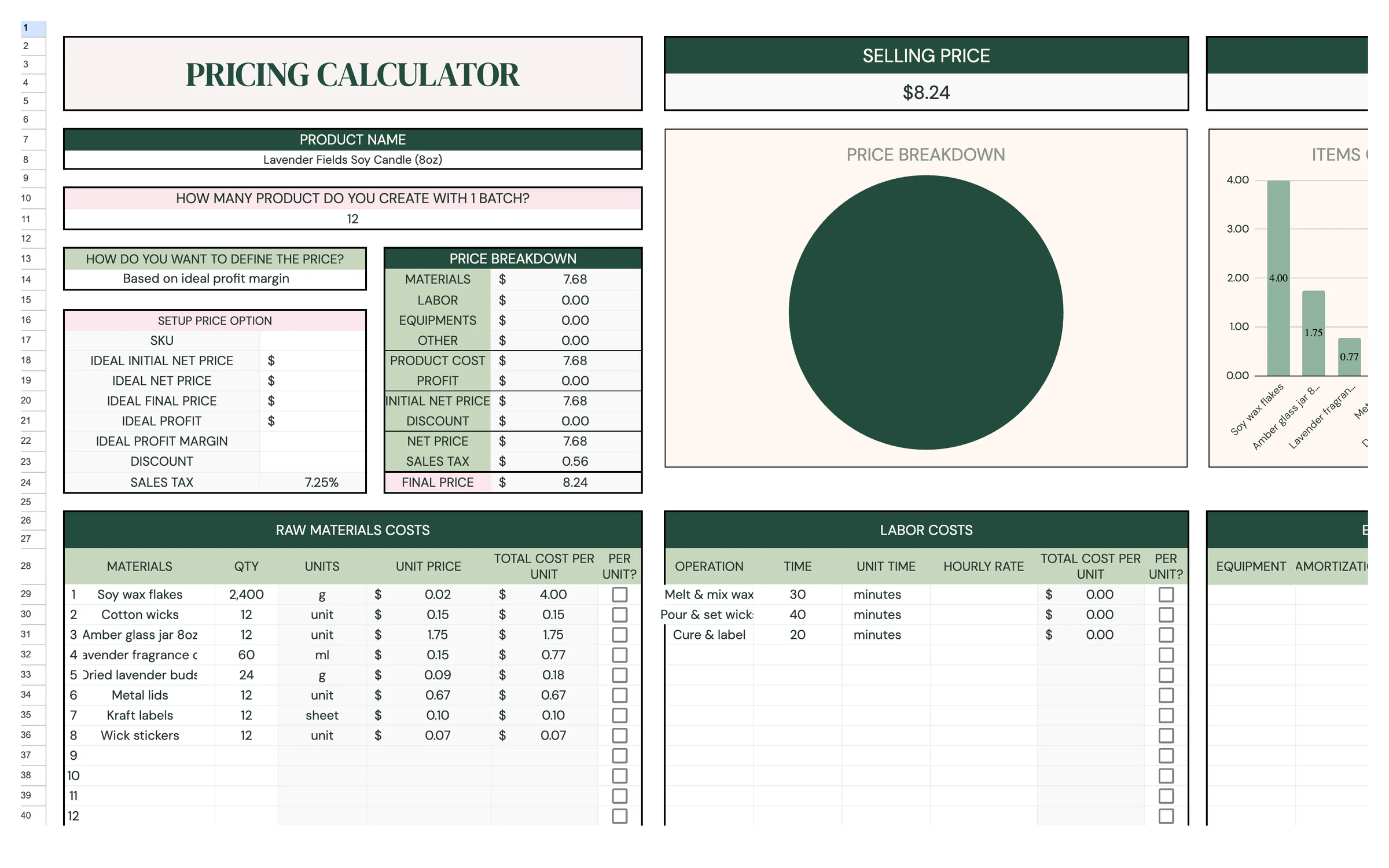
Price your products with confidence. A Google Sheets pricing calculator for makers: add material, labor, equipment and other costs, then set your price by ideal profit, margin or final price, with sales tax and discounts built in.
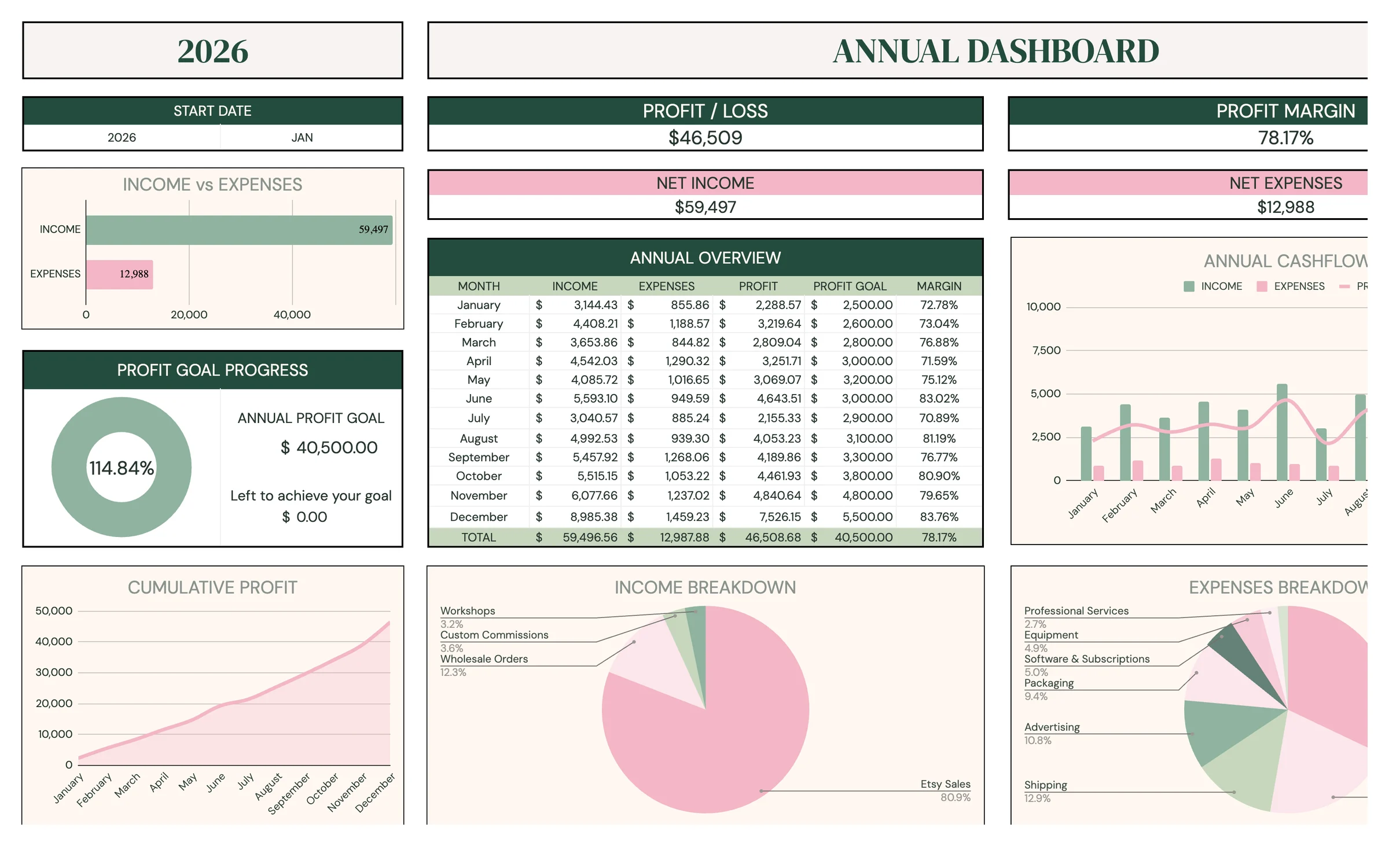
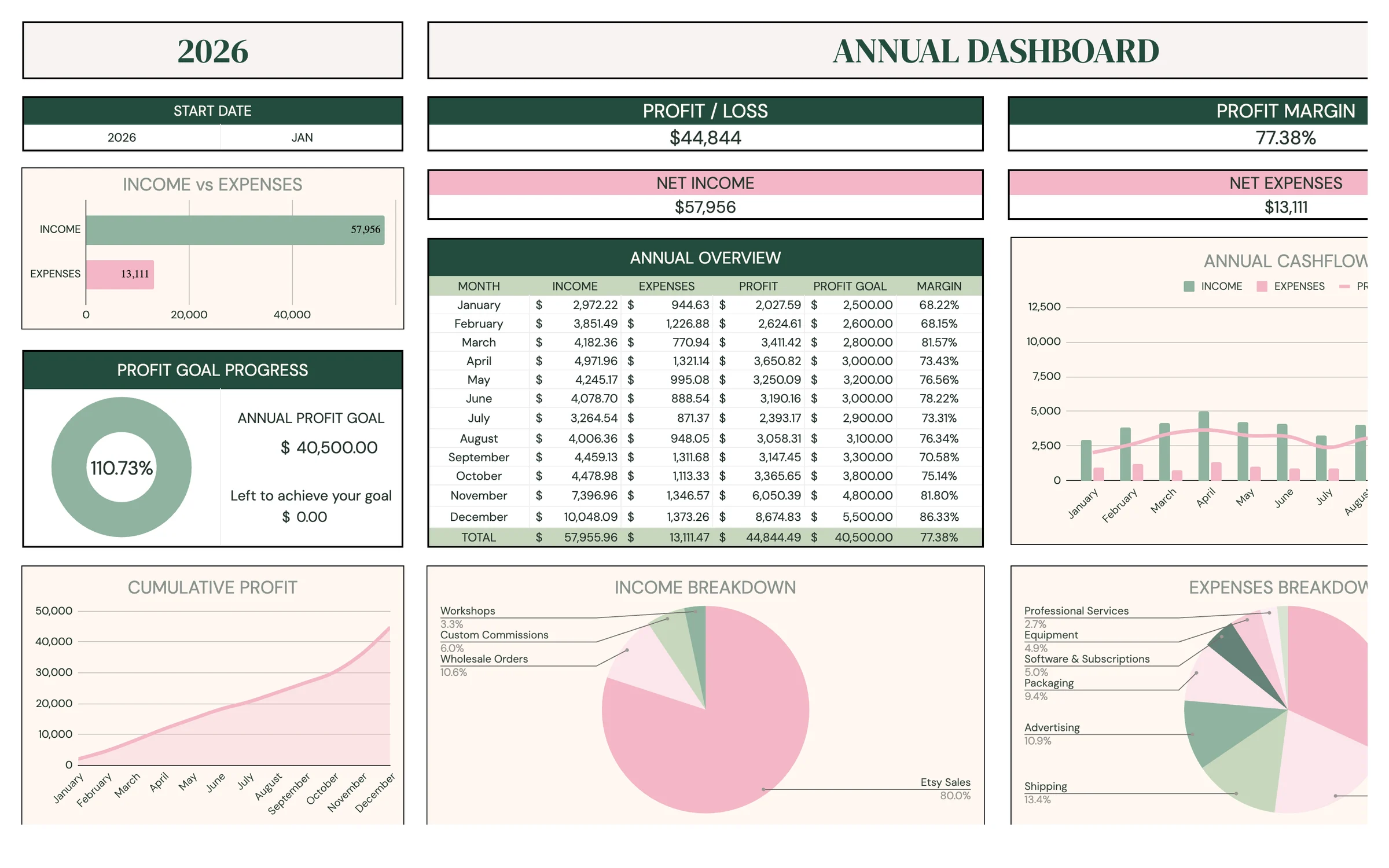
Pro-level books without the accountant price tag. A complete small-business bookkeeping system in Google Sheets: transactions, monthly, quarterly, annual and 5-year reports, custom date ranges, comparisons, profit goals and a sales tax tracker.
Books, prices and profit, sorted.
Add up what one item costs you: materials, packaging, overhead, your time at an hourly wage and the real shipping cost. Then pick the profit margin you want. The calculator finds the price where, after Etsy takes its fees, you're left with exactly that margin. It doesn't just add a markup to your costs, because Etsy's fees grow as the price grows.
Profit = item price + shipping charged − listing fee − transaction fee − processing fee − your costs. The transaction fee is 6.5% of item price plus shipping, and processing is 3% of the order plus $0.25. Setting profit equal to your margin times the price and solving gives: price = (costs + flat fees − shipping charged × (1 − fee %)) ÷ (1 − fee % − margin %). The result is rounded up to the next cent.
For US sellers the main ones are a $0.20 listing fee (charged again each time an item sells and the listing renews), a 6.5% transaction fee on the item price plus shipping, and payment processing of 3% + $0.25 per order. If a sale comes from an Offsite Ad, Etsy takes another 15% (12% for some larger shops), capped at $100 per order. Fees differ by country and change over time, so every fee here is editable. Check Etsy's current fee page before you price.
Margin is profit as a share of the selling price. Markup is profit as a share of your cost. A 25% margin on a $28.90 item is about $7.23 of profit. This calculator works with margin, and your hourly wage is already paid before the margin, so the margin is extra money for the business.
The lowest item price where you don't lose money once fees, materials, shipping and your hourly wage are covered. Below it, every sale costs you. Because your wage is counted as a cost, selling at break-even still pays you for your time, just with nothing left over.
The Profit row is green when the price makes money. In 'If you charge a different price', the profit tile and the sentence under it turn pink when that price loses money on each sale, and the sentence is green when it makes a profit. If no price can reach your margin (fees plus margin take 100% or more), a pink message says so.
Only in your own browser on this device, so your numbers are there next time. Nothing is sent to us. Press Reset to start over.